
Tag: Tips
Showing all articles tagged with "Tips"
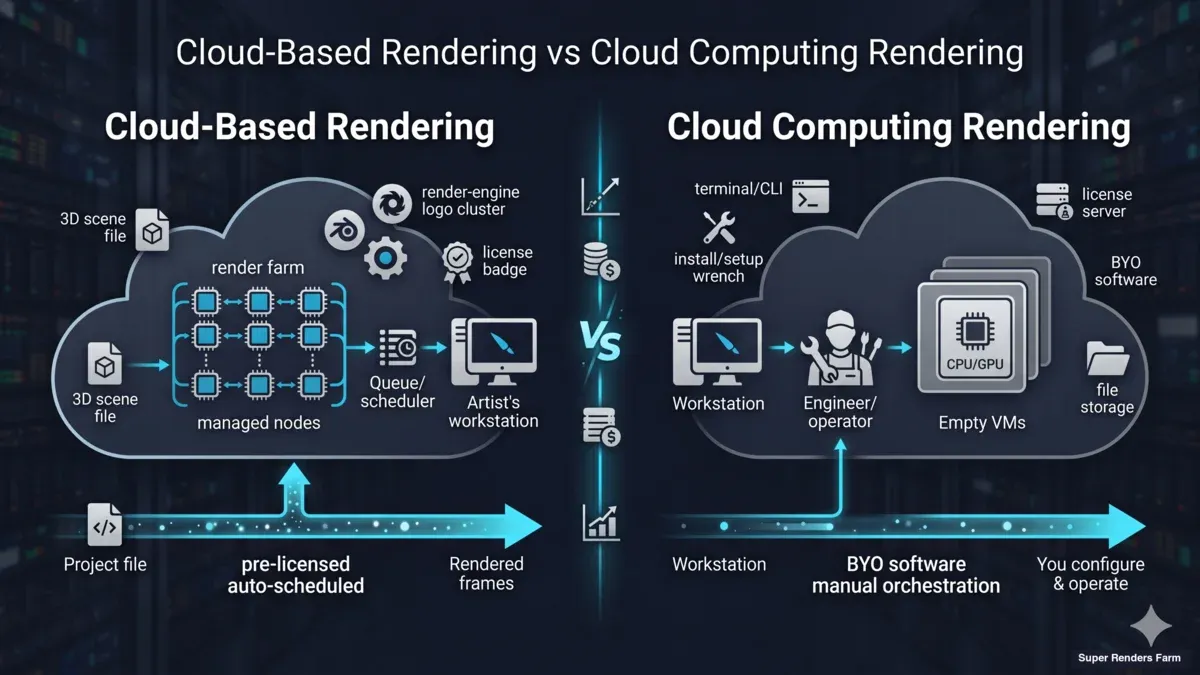
Cloud-Based Rendering vs Cloud Computing Rendering: A 2026 Distinction Guide
Cloud-based rendering and cloud computing rendering sound interchangeable but solve different problems. Here's how the architectures, vendor categories, and costs actually differ.
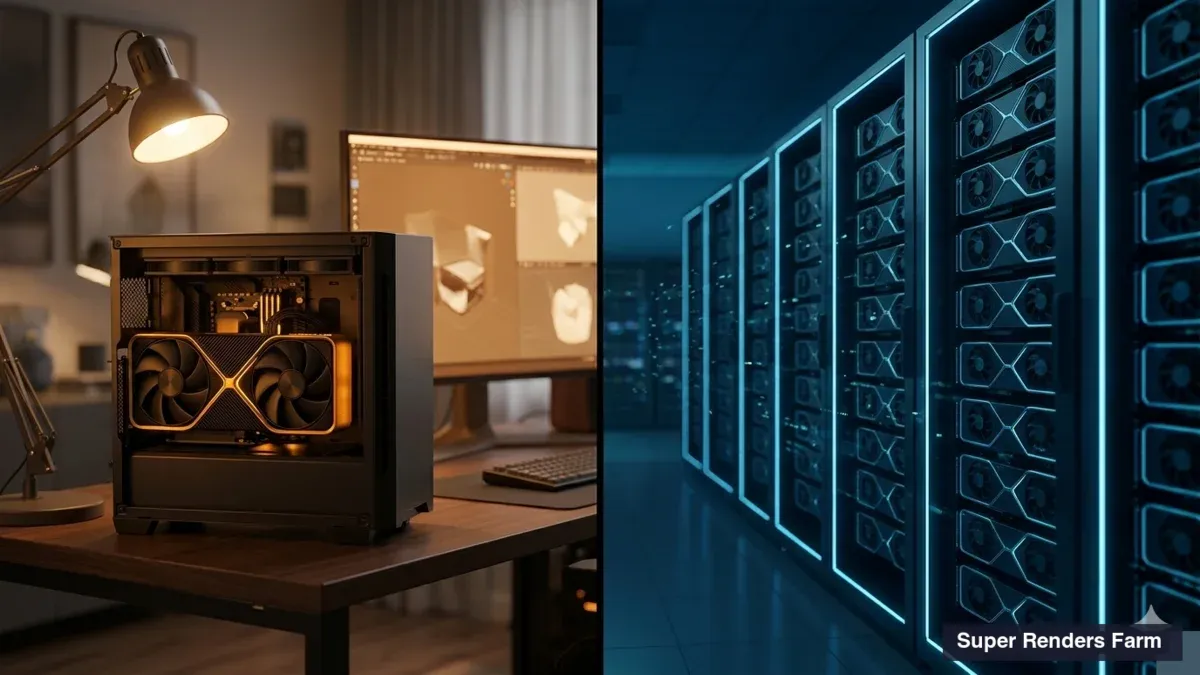
Is a Single RTX 5090 Worth It for Rendering? A Solo Artist's Cost Breakdown for 2026
Buying an RTX 5090 vs paying for cloud rendering: the real cost math for solo 3D artists, including the opportunity cost most freelancers miss.

Ambient Occlusion Explained: SSAO vs HBAO vs GTAO (2026 Guide)
What ambient occlusion does, how SSAO, HBAO, and GTAO differ, and when AO baking is fast on a workstation versus when it belongs on a render farm.
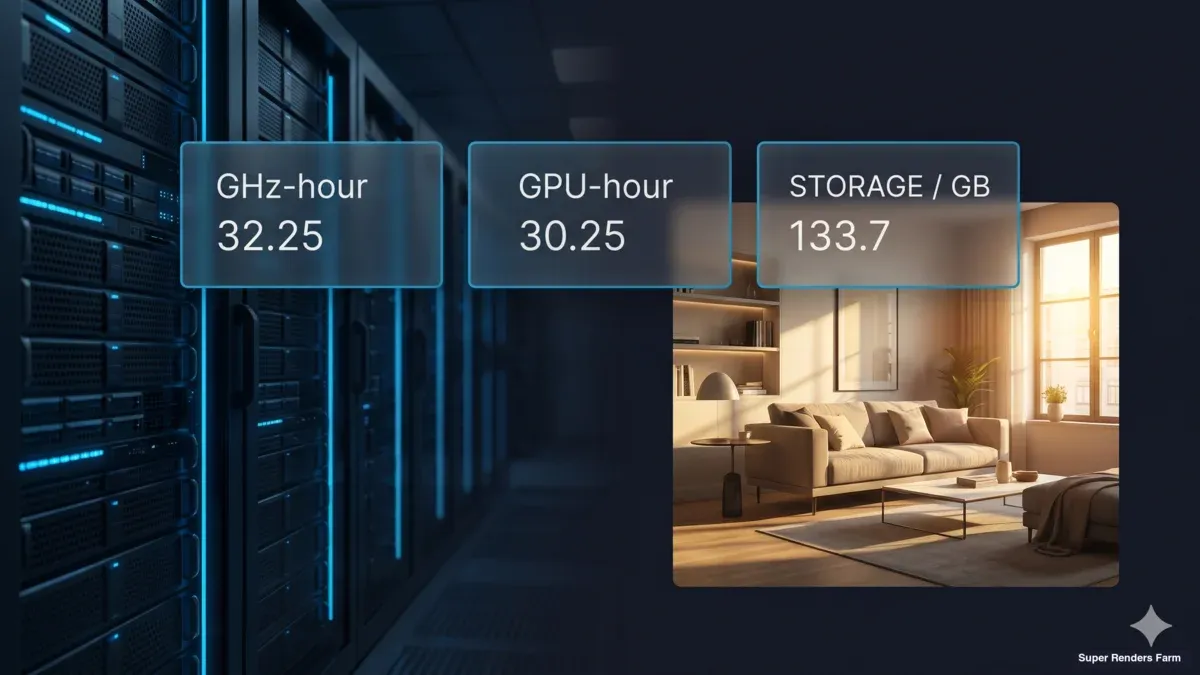
Cloud Render Farm Pricing Explained: Real Costs in 2026
Understand render farm pricing beyond the rate card — GHz-hours, GPU-hours, hidden fees, and worked cost examples for V-Ray, Redshift, and Blender.
How to Choose a Render Farm: 8 Criteria Every 3D Artist Should Evaluate
A practical framework for evaluating render farms — 8 criteria covering engines, pricing, hardware, workflow, and more.
Free Render Farms Compared: What's Actually Free in 2026
Not all free render farms are the same. We compare truly free options like SheepIt with commercial free trials to help you pick the right one.

Render Farm Pricing Models Compared: A Practical Guide for 3D Artists
Six render farm pricing models explained side by side — with a framework for choosing the right one for your project type and team size.
Blender Render Settings: Complete Cycles and Eevee Guide
A practical guide to Blender render settings for Cycles and Eevee — covering samples, denoising, light paths, resolution, and performance optimization.
Render Farm Cost per Frame in 2026: What You'll Actually Pay
A practical breakdown of what render farm frames actually cost in 2026 — with real math for CPU and GPU scenes across archviz, animation, and VFX.
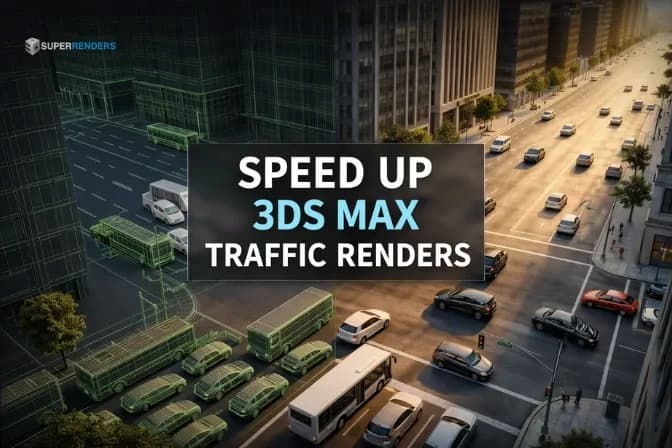
Powerful Ways to Render Large Traffic Animations Faster in 3ds Max
Rendering thousands of vehicles in 3ds Max can cripple your workstation. Discover some essential strategies—from proxy objects to cloud render farms—to slash render times and stabilize your archviz pipeline.