
Tag: Tips
Showing all articles tagged with "Tips"

How to Fix Common C4D Errors or Failed Jobs
Learn how to avoid costly rendering mistakes in Cinema 4D. This guide covers essential tips on managing textures, assets, relative paths, FPS settings, and naming conventions to ensure successful render outputs.

Top Maya Plugins for 3D Artists: Essential Tools in 2026
A detailed look at the Maya plugins that matter most in 2026 — from rendering engines to simulation tools — with real compatibility notes from our render farm experience.
![Getting Started with Super Renders Farm [2026]](/_next/image?url=https%3A%2F%2Fres.cloudinary.com%2Fdl8ovyusd%2Fimage%2Fupload%2Fv1779104902%2Fstrapi-uploads%2Fcover_00bebe9fe6.webp&w=2880&q=75)
Getting Started with Super Renders Farm [2026]
Your first cloud render, step by step. From app download to frame delivery — with walkthroughs for 3ds Max, Cinema 4D, Maya, and Blender.

Is 32 GB Enough? RTX 5090 VRAM Limit for Complex Scenes
The NVIDIA RTX 5090 arrives with 32 GB of GDDR7 VRAM. For 3D artists, is this capacity enough to handle the most complex modern scenes? We break down verified benchmarks against the RTX 4090 and RTX 6000 Ada, analyze Blackwell architecture, and provide insights from professional studios.

V-Ray for Blender: Complete Setup and Rendering Guide
Step-by-step guide to installing and configuring V-Ray 7 for Blender, including material conversion and cloud rendering setup.

FumeFX Tutorial: Complete Guide to Realistic Fire & Smoke Simulation for Modern VFX
Master FumeFX with this complete guide to realistic fire and smoke simulation. Learn voxel grid fundamentals, rendering tips, and how to scale your VFX workflow efficiently.

10 Tricks for Better Houdini FLIP Fluid Simulations
Practical tricks from production FX artists for faster, more controllable FLIP fluid simulations in Houdini.
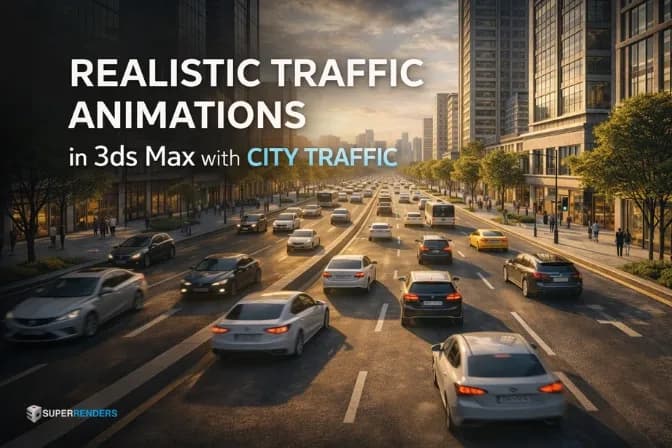
How to Create Realistic Traffic Animations in 3ds Max with City Traffic
Master urban traffic simulation in 3ds Max using the City Traffic plugin. This comprehensive guide covers everything from road spline setup and AI vehicle behavior to collision avoidance and final animation baking for realistic architectural visualizations.

Complete Guide to City Traffic Plugin for 3ds Max
Master urban visualization with the City Traffic plugin for 3ds Max. Learn how to automate vehicle movement, manage complex intersections, and optimize large-scale simulations for high-quality architectural renders.
How to Fix Wrong Camera Rendering Due to Locked "View to Render" in 3ds Max
Rendering the wrong camera in 3ds Max? It might be because your "View to Render" is locked. Learn how to quickly unlock it and ensure your test renders always show the correct camera view