
No remote desktop
Upload. Render. Download. You never provision a machine, install software, or babysit a session — jobs run on our managed pipeline end to end.
Fully managed cloud render farm — upload your scene, we render it, you download frames. No remote desktop. Every render license included.
For solo freelancers, small studios, and full production pipelines.
Fully managed cloud render farm — upload your scene, we render it, you download frames. No remote desktop. Every render license included.
For solo freelancers, small studios, and full production pipelines.
Official partnerships with Chaos, Maxon, and AXYZ design provide verified licensing.
Upload. Render. Download. You never provision a machine, install software, or babysit a session — jobs run on our managed pipeline end to end.
V-Ray, Corona, Redshift, Arnold, Octane — every render-engine license is covered on every node. No license servers, no per-seat fees, no surprises at submit time.
Every job is checked before credits are spent: missing textures, broken paths, and version mismatches get caught up front — not at frame 400.
One global team on live chat around the clock, plus a US phone line (001-714-383-0800).
CPU rendering for V-Ray, Corona, and Arnold archviz and animation — plus an RTX 5090 fleet for Redshift, Octane, and Blender Cycles.
CPU rendering for V-Ray, Corona, and Arnold archviz and animation — plus an RTX 5090 fleet for Redshift, Octane, and Blender Cycles.
We provide a wide range of customized services designed to cater to your specific requirements.


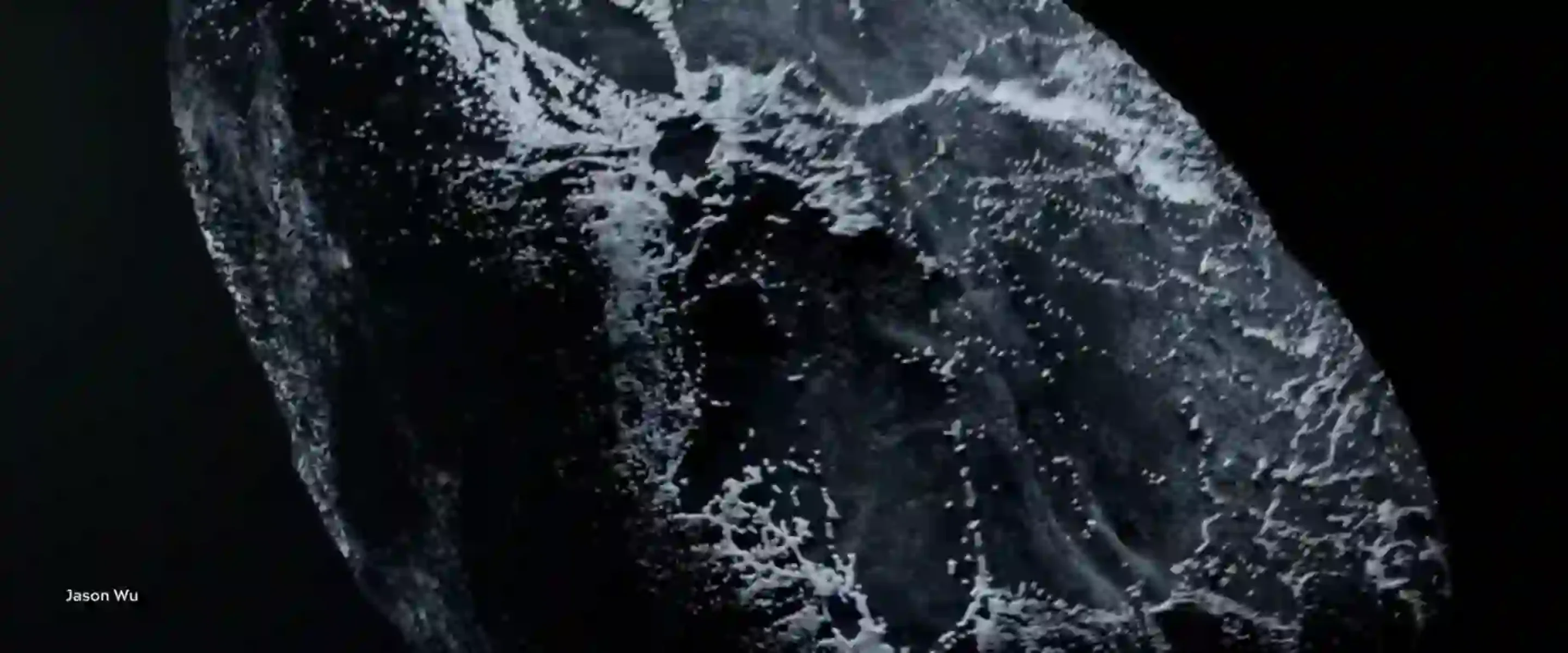
Real client work rendered on our farm — studios keep full rights; projects appear here with written permission.
All pictures/ images shown in the video are for illustration purpose only. The author and the source of the images are entered as Copyright holder. If you have any further queries please do not hesitate to contact us or the author for more.
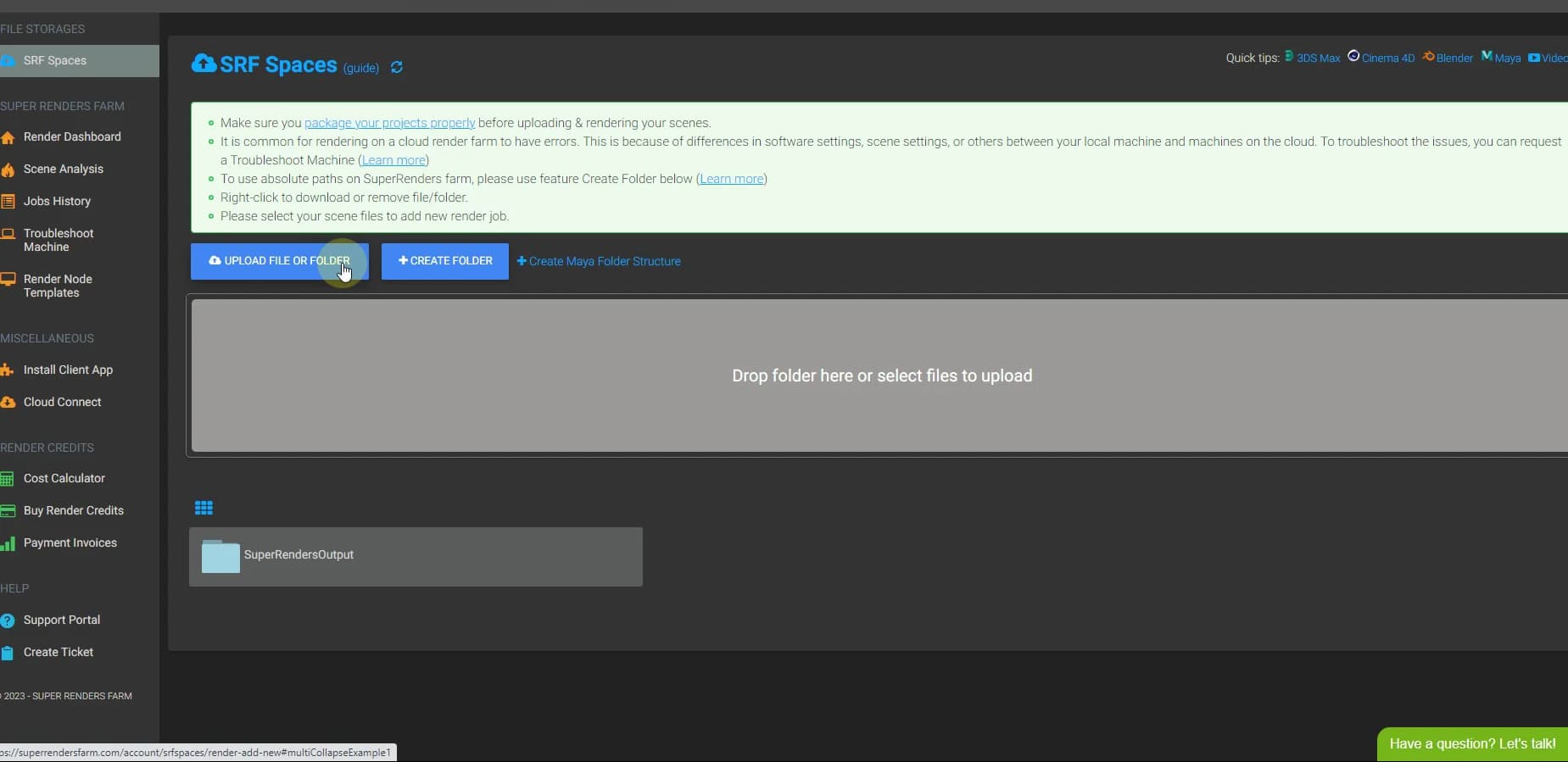
4 easy steps to render projects from our website
Drag and drop to upload your project file or select from your browser. Make sure that you have packaged the project before uploading to avoid missing any files.
Drag and drop to upload your project file or select from your browser. Make sure that you have packaged the project before uploading to avoid missing any files.
Check out our comprehensive guides and tutorials
We provide a wide range of customized services
The support team is exceptionally responsive and friendly, I was assisted even before creating an account. Having tested multiple render farms, none matched this level of service.

[T]he app for 3ds max is awesome! Direct send from Max to the farm. Simple, fast. … I will definitely be back
Projects that would take hours on my own hardware were completed in just minutes, with flawless quality. It made a huge difference in meeting tight deadlines.
We provide a wide range of customized services
The support team is exceptionally responsive and friendly, I was assisted even before creating an account. Having tested multiple render farms, none matched this level of service.
[T]he app for 3ds max is awesome! Direct send from Max to the farm. Simple, fast. … I will definitely be back
Projects that would take hours on my own hardware were completed in just minutes, with flawless quality. It made a huge difference in meeting tight deadlines.
Learn more about cloud rendering, render farms, and how to get the most out of your 3D pipeline.
Everything you need to know about render farms and how they accelerate 3D production.
How cloud-based render farms work and why studios are switching from local hardware.
A complete guide to cloud rendering technology, workflows, and best practices.
How to use a render farm with Blender for Cycles and EEVEE projects.
Estimate your CPU or GPU rendering costs before submitting a job.
A render farm is a network of high-performance computers that process 3D scenes in parallel, completing renders that would take days on a single workstation in just hours. Super Renders Farm provides over 20,000 CPU cores and NVIDIA RTX 5090 GPUs (32 GB VRAM) as a cloud-based render farm accessible through a web browser.
You upload your 3D scene file, select CPU or GPU rendering, and the render farm distributes your frames across multiple machines simultaneously. Once rendering completes, you download the finished frames. The entire process happens through a web interface — no hardware setup or software installation required on your end.
Super Renders Farm supports all major 3D applications and render engines, including 3ds Max, Maya, Cinema 4D, Blender, and Houdini, with V-Ray, Corona, Redshift, Arnold, Octane, and Cycles. Scene files render with the same engine version you use locally, so output matches your workstation.
Pricing depends on whether you choose CPU or GPU rendering and how many resources your project needs. Super Renders Farm charges per GHz-hour (CPU) or per OctaneBench-hour (GPU), with no monthly commitments. You can estimate costs before submitting using the cost calculator.
Yes — a cloud render farm parallelizes your workload across many machines at once. A 500-frame animation that takes 50 hours on a single workstation can finish in under an hour when distributed across the farm. The speed gain scales with the number of cores assigned to your job.
No. Super Renders Farm includes every supported render-engine license — V-Ray, Corona, Redshift, Arnold, and Octane — on all nodes. You only bring your project files; Cycles is open-source and needs no license.
Yes. Files are used only to render your job and are never shared or reused. They stay available for you to download; there is no fixed automatic deletion period, and you can ask us to delete a project at any time. NDAs are available for studios: see our render farm NDA page. Super Renders Farm LLC is a registered US company.
Welcome to the SuperRenders Farm blog, your go-to source for insightful articles, tips, and industry updates on all things related to 3D rendering and visualizations!
Browse all render farm articlesWelcome to the SuperRenders Farm blog, your go-to source for insightful articles, tips, and industry updates on all things related to 3D rendering and visualizations!
Browse all render farm articlesScale CPU and GPU rendering on a fully managed farm — $25 free credits to start.
Start renderingScale CPU and GPU rendering on a fully managed farm — $25 free credits to start.