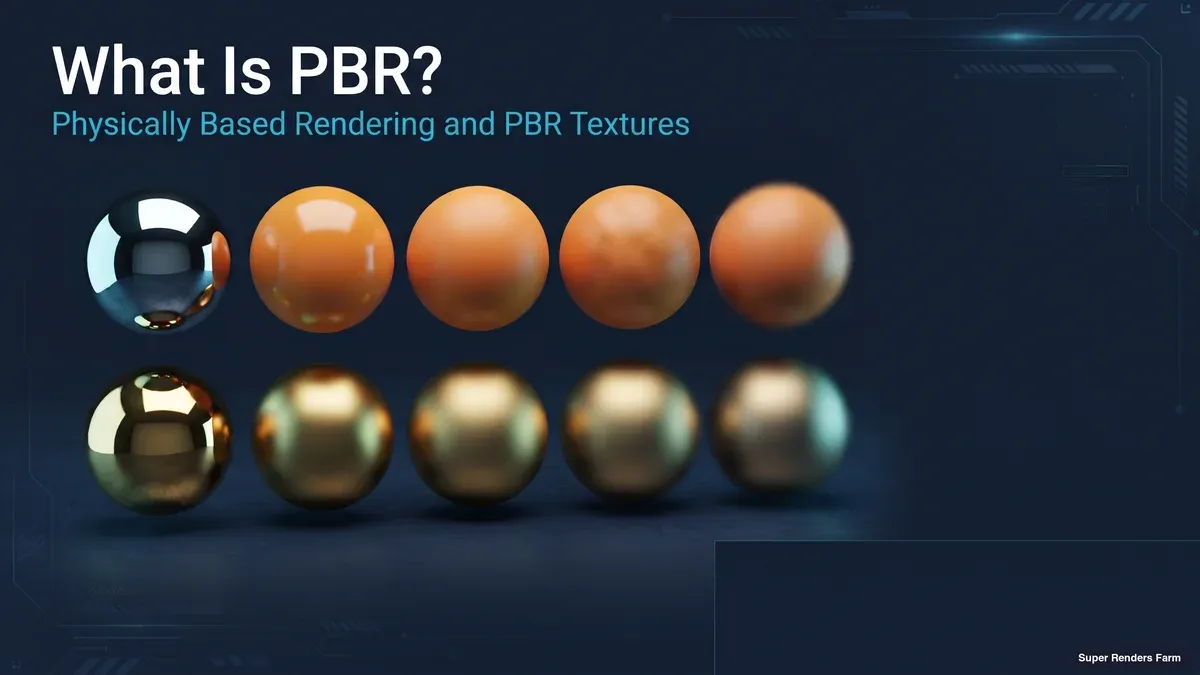
What Is PBR? Physically Based Rendering and PBR Textures Explained
Overview
Introduction
What is PBR? PBR, short for physically based rendering, is an approach to shading and rendering that describes a surface with measurable properties, such as its base color, how rough it is and whether it is a metal, and lets light behave on it the way it does in the real world. Instead of tuning a highlight by eye for each lighting setup, the artist describes what the material is, and the material stays plausible in daylight, in a studio or at night.
The term has a second, everyday meaning: a set of PBR textures, the image maps for base color, metallic, roughness, normal and a few others that feed a physically based material. This guide covers both, including the color space each map needs and what many high-resolution maps mean for render memory.
Three neighbors cover adjacent ground, so we link to them instead of repeating them: what is a shader for the programs and BSDF nodes that evaluate a material, what is a normal map for normal maps in depth, and what is UV mapping for how a flat texture lands on a 3D surface.
PBR in One Paragraph
Wikipedia's article on physically based rendering (read 24 November 2026) describes PBR as a computer graphics approach that seeks to render images in a way that models the lights and surfaces with optics in the real world, and notes that it can be implemented with shaders, ray tracing or path tracing. In practice it is a contract: the material supplies physically meaningful values, and the renderer treats them consistently under any light.
 A PBR texture set for one material: base color and emissive stored as sRGB color; metallic, roughness, normal, ambient occlusion, height and opacity stored as non-color data; all feeding one PBR material
The Physics a PBR Material Respects
Four ideas carry most of the weight. None is new physics; what PBR changed is that materials and renderers agreed to follow them.
Energy conservation. A surface cannot reflect more light than reaches it. Arriving light is reflected, absorbed or transmitted, so a material that becomes more mirror-like has less light left for its diffuse color. Older ad-hoc shading let artists raise both independently; a PBR material ties them together.
Fresnel reflection. How much a surface reflects depends on the viewing angle. A lake seen from above shows its bottom; seen at a low angle it becomes a mirror. In Brent Burley's description of the microfacet model, F is the Fresnel reflection coefficient, one of three factors in the specular term. The Khronos glTF 2.0 specification (read 24 November 2026) fixes the reflectance of non-metals at normal incidence, called F0, at 4% (0.04). Blender's Principled BSDF exposes the same idea as an index of refraction: for most materials it falls between 1.0 and 4.0, and the default of 1.5 is a good approximation for glass.
Microfacet roughness. Real surfaces are made of facets too small to see. When the facets mostly point the same way, the reflection is sharp; when they scatter, it blurs into a broad sheen. Burley's notes put it precisely: for a reflection to occur between a light direction and a view direction, some microfacet must have a normal halfway between the two. The facet distribution, D, shapes the highlight, and one roughness value describes it. On the Blender manual's Principled BSDF page (Blender 5.2 LTS, read 24 November 2026), a roughness of 0.0 gives a perfectly sharp reflection and 1.0 a diffuse one.
Metals versus dielectrics. Non-metals, or dielectrics (plastic, wood, stone, paint), reflect a small, uncolored share of light at the surface and show their color through light that enters the material and scatters back out. Metals have no diffuse component: they reflect strongly, and the reflection itself is tinted. The glTF specification turns this into a rule: for a non-metal the base color is the reflected diffuse color, and for a metal it is the measured reflectance at normal incidence. In the Principled BSDF, a Metallic value of 1.0 gives a fully specular reflection tinted with the base color, without diffuse reflection or transmission.
Where PBR Came From
The physics is old; the production workflow is recent. Wikipedia credits Greg Ward's 1994 SIGGRAPH paper on the Radiance system as possibly the first use of the phrase "physically-based rendering", and says the phrase was popularized by the 2004 book of the same name, credited to Matt Pharr, Greg Humphreys and Pat Hanrahan. The book's site, pbr-book.org (read 24 November 2026), lists Matt Pharr, Wenzel Jakob and Greg Humphreys as the authors of the current editions, says the author team of Matt Pharr, Greg Humphreys and Pat Hanrahan received a 2014 Academy Award for Scientific and Technical Achievement, and offers the third (2016) and fourth (2023) editions free online.
Film and games turned it into an artist tool. Wikipedia credits Yoshiharu Gotanda with introducing "physically based shading" at a SIGGRAPH 2010 course on shading in film and game production. At the SIGGRAPH 2012 edition, Brent Burley of Walt Disney Animation Studios presented Physically Based Shading at Disney (course notes read 24 November 2026). Artists had asked for a model that was art directable and not necessarily physically correct, so Disney built a "principled" model rather than a strictly physical one. Its principles still read like a brief for any PBR material: intuitive rather than physical parameters, as few as possible, each from zero to one over its plausible range, and every combination robust and plausible. Among its parameters were metallic (0 for a dielectric, 1 for a metal) and a specular amount used in place of an explicit index of refraction.
Wikipedia names Remember Me (2013) as the first successful, if partial, implementation of physically based rendering in a video game, built on a modified Unreal Engine 3. It now lists engines such as Unity, Unreal Engine and Godot among the software that uses PBR, and Blender's Principled BSDF is based on the OpenPBR Surface model and designed to be comparable with the Disney and Standard Surface models.
Two Workflows: Metallic/Roughness and Specular/Glossiness
PBR materials are usually authored in one of two workflows that describe the same physics with different maps.
Metallic/roughness. The base color map holds the diffuse color for non-metals and the reflection color for metals; a metallic map says which is which, and a roughness map says how blurred the reflection is. The reflectance of non-metals is assumed rather than painted, which is why glTF can fix it at 4%. This is the workflow of Disney's model, the Principled BSDF and glTF, which even packs roughness and metalness into one texture: roughness in the green channel, metalness in the blue.
Specular/glossiness. A diffuse map holds the diffuse color, a specular map holds the reflection color as RGB, and a glossiness map holds smoothness. Glossiness runs the opposite way from roughness: a high value means a sharp reflection, so converting between workflows is more than renaming a file. Khronos defined this model for glTF as the KHR_materials_pbrSpecularGlossiness extension (read 24 November 2026), now archived and marked as superseded by KHR_materials_specular.
Specular/glossiness gives more control, including over physically impossible reflection colors; metallic/roughness constrains the values, which makes materials harder to break and easier to share.
 Side by side: the metallic/roughness workflow uses base color, metallic and roughness maps; the specular/glossiness workflow uses diffuse, specular and glossiness maps; glossiness runs the opposite way from roughness
The PBR Texture Set: What Each Map Stores
A set of PBR textures holds one map per property. Names vary between tools, but the content is consistent. The Principled BSDF page notes that image textures from tools like Substance Painter can be linked directly to its inputs.
- Base color (albedo). The surface color with no lighting in it. Burley's notes describe base color as the surface color, usually supplied by texture maps.
- Metallic. Usually black (0, dielectric) or white (1, metal). In-between values are mostly for transitions such as rusty edges.
- Roughness. Grayscale, from 0 (sharp reflection) to 1 (fully blurred). Fingerprints, scuffs and wear are roughness variations, not color.
- Normal. Surface direction stored as color: in the glTF specification, the XYZ components of a normal vector in tangent space as RGB values. It changes shading without changing geometry.
- Ambient occlusion. Grayscale contact shadowing, which glTF describes as areas that would receive less indirect lighting from ambient sources, read from the red channel. A path tracer computes occlusion from the actual geometry, so offline this map is often optional; our ambient occlusion explainer covers the effect.
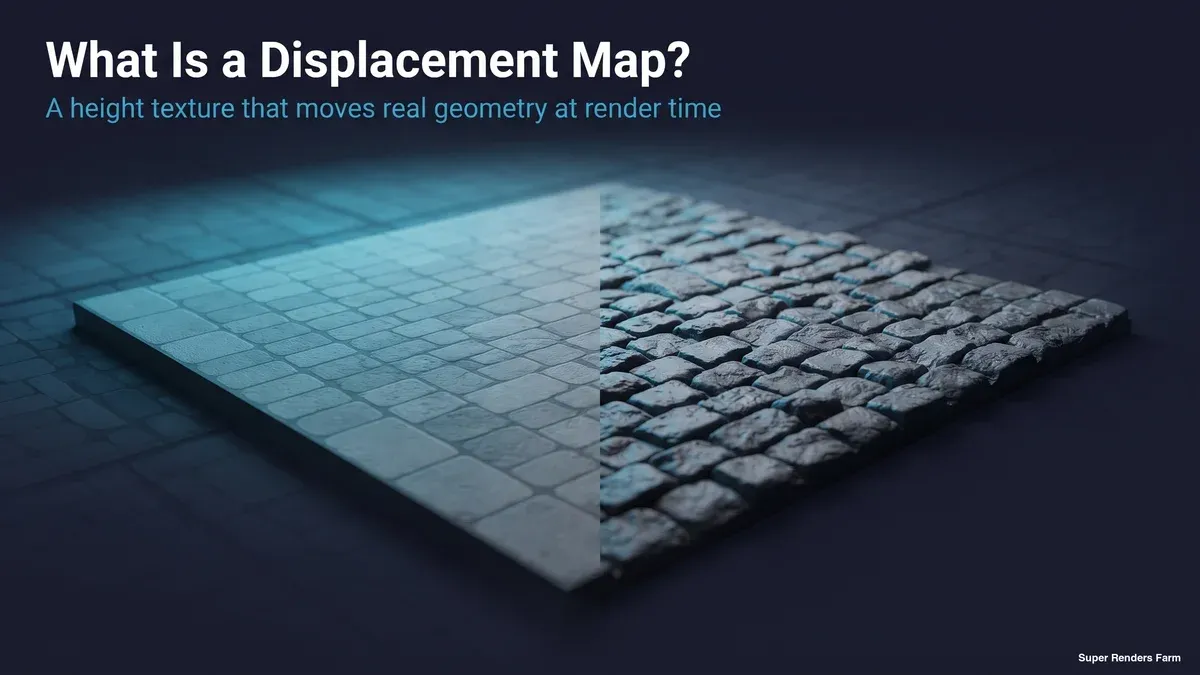
- Height (displacement). Grayscale elevation, used for bump shading or to move real geometry at render time, which costs memory and time.
- Emissive. The color of light the surface gives off, for screens or LEDs. The Principled BSDF pairs an Emission Color with an Emission Strength.
- Opacity (alpha). Where the surface exists at all, for leaves, fences and decals. In the Principled BSDF, Alpha 1.0 is fully opaque; glTF defines the alpha modes OPAQUE, MASK and BLEND.
Color Space: Why Some Maps Are sRGB and Others Are Data
Two kinds of image sit in a PBR texture set, and the renderer must read them differently.
Color maps hold colors a person would recognize: base color, the diffuse and specular maps of the specular workflow, and emissive. They are usually saved with an sRGB curve, and the glTF specification requires base color and emissive textures to use the sRGB transfer function.
Data maps hold numbers stored in an image: metallic, roughness, glossiness, normal, ambient occlusion, height and opacity. The glTF specification requires its metallic-roughness, normal and occlusion textures to use the linear transfer function. The Blender manual's image settings page (Blender 5.2 LTS, read 24 November 2026) says the color space setting is used to convert an image to Blender's internal linear color space, and that images such as normal, bump or stencil maps do not strictly contain colors, should never have a color conversion applied, and should be set to Non-Color. The same logic applies to roughness, metallic and height maps.
Read a data map as sRGB and the renderer applies a curve that was never in the data. A roughness painted as 0.5 no longer arrives as 0.5, so the surface looks glossier or duller than intended, and a normal map read as sRGB tilts every normal. Nothing errors out; the render simply looks off.
Real-Time PBR and Offline PBR
A game engine has a few milliseconds per frame. It evaluates a PBR material with fast approximations of the BRDF, often relies on precomputed lighting, and treats maps such as ambient occlusion as real inputs because it cannot trace every bounce. That is why real-time texture sets often include a baked AO map.
An offline renderer such as Cycles, Arnold, V-Ray or Redshift evaluates the material wherever a ray hits a surface and follows light through many bounces, so occlusion and indirect light come from the simulation rather than from maps. See our guides to global illumination and real-time vs offline rendering.
Common PBR Mistakes
Lighting baked into the base color. A photo used straight as base color brings its own shading, and the renderer lights it a second time, so it looks wrong under any other light. Remove shading from photographic textures first.
Data maps in the wrong color space. Roughness, metallic, normal and height maps loaded as sRGB. This is a frequent reason a downloaded material looks different in one renderer than in the preview where it was made.
Half-metal values everywhere. Keep metallic near 0 or 1 and put the variation into roughness.
Mixing workflows. A glossiness map in a roughness input turns polish into matte.
Resolution chosen by habit. An 8K map on an object a few hundred pixels wide on screen adds memory without adding detail.
PBR Textures and Memory
A full PBR material commonly uses four to eight maps, often at 4K or 8K. The arithmetic below is a hypothetical example built to show scale, not a measurement of any real scene.
An uncompressed 4K map of 4096 x 4096 pixels with four channels of one byte each holds 4096 x 4096 x 4 = 67,108,864 bytes, which is 64 MiB. An 8K map of 8192 x 8192 holds 268,435,456 bytes, or 256 MiB: four times as much for twice the width. A full mipmap chain, the half-resolution copies renderers use to read a texture at the right detail level, adds about a third. Wikipedia's mipmap article (read 24 November 2026) gives that one-third figure and credits the technique to Lance Williams in 1983.
Take an illustrative material with five maps (base color, metallic, roughness, normal and height) stored that way. At 4K it holds 320 MiB, about 427 MiB with mipmaps; at 8K, 1,280 MiB, about 1,707 MiB with mipmaps. Twenty such materials at 8K come to 25,600 MiB (25 GiB), or about 34,133 MiB with mipmaps, which is about 33.3 GiB or 35.8 GB: more than one 32 GB graphics card holds, before any geometry. The same twenty at 4K come to 6,400 MiB (6.25 GiB), about 8,533 MiB (8.3 GiB) with mipmaps.
 Hypothetical texture memory arithmetic: a 4096 by 4096 map with four 8-bit channels is 67,108,864 bytes or 64 MiB, an 8K map 256 MiB; a five-map material is 320 MiB at 4K and 1,280 MiB at 8K; twenty 8K materials are 25 GiB, about 33.3 GiB with mipmaps, above one 32 GB card
Real renderers rarely store every map this way: single-channel maps such as roughness need one channel rather than four, textures may be compressed, and tiled, mipmapped formats let a renderer load only the parts and levels it needs. The OpenImageIO documentation for maketx (read 24 November 2026), the tool that writes .tx files, says it converts ordinary images to efficient textures, and that its texture system performs much better when texture files are tiled. Our TX conversion guide for Arnold in 3ds Max shows that workflow. Redshift's Texture Processor documentation (read 24 November 2026) says the tool converts images into a Redshift renderable format, can batch convert them offline before rendering, and uses the texture's color space to compute mip maps correctly, so set color spaces before you pre-convert.
What carries over is the scaling: each step from 4K to 8K multiplies a map's memory by four. Our article on the RTX 5090 VRAM limit covers engine settings for texture-heavy scenes.
PBR Materials on a Render Farm
Paths first. On a farm, every file a PBR material references must resolve on the render node. Depending on the renderer and its settings, a missing map either stops the job or renders without it, and the second case quietly produces a different surface. Keep texture paths relative to the project folder in your DCC (digital content creation) application, fix color spaces, and check for missing files before upload; for 3ds Max, see our guide to missing external files. In Blender, the manual's packed data page (read 24 November 2026) describes Pack Resources, which marks all eligible external resource files used by the blend-file as packed. The farm does not extract archives (.zip, .rar, .7z, .tar, .tar.gz), so nothing inside an archive gets rendered. Upload your project folder unpacked, with the scene file and every referenced asset in place.
CPU or GPU. Super Renders Farm is a fully managed farm: you upload the scene and do not set up machines, install software or manage render licenses yourself. On our CPU nodes, V-Ray and Corona in 3ds Max, Arnold in Maya and 3ds Max, and Cycles and EEVEE in Blender render from system memory, and our CPU hosts carry up to 256 GB of RAM. On our GPU cloud render farm, each node carries two NVIDIA RTX 5090 cards with 32 GB of VRAM per card. Memory is per card and is not pooled, so the whole scene, every PBR map included, has to fit in one card's 32 GB. Redshift in Maya, Cinema 4D and Houdini, Octane in Cinema 4D, and Cycles and EEVEE in Blender are ready on our GPU nodes without a setup request; on our farm Redshift renders in GPU mode only. V-Ray, Octane and Redshift for Blender are provisioned on request, so contact us to confirm before you upload. The supported software page lists the engines for each host.
If the arithmetic puts a GPU scene near 32 GB, you have three levers: drop maps on distant objects to 2K or 4K, use tiled and mipmapped formats your engine supports, or, for an engine that also runs on our CPU nodes, such as Cycles, render on CPU nodes. New accounts receive $25 free render credits, which you can use on test frames of your heaviest material setup before you commit a sequence, and our team is on 24/7 live chat to check a scene with you. Current rates are on the pricing page.
Summary: What to Remember
| If you are asking | Short answer |
|---|---|
| What is PBR? | Shading and rendering that describe surfaces with measurable properties so light behaves on them as it does in the real world |
| What physics does it follow? | Energy conservation, Fresnel reflection, microfacet roughness, and metals versus dielectrics |
| What are the two workflows? | Metallic/roughness (base color, metallic, roughness) and specular/glossiness (diffuse, specular, glossiness) |
| What are PBR textures? | Base color, metallic, roughness, normal, ambient occlusion, height, emissive and opacity maps |
| Which maps are sRGB? | Color maps: base color, diffuse, specular color, emissive. Data maps are Non-Color or linear |
| Why does it matter for rendering? | Many high-resolution maps add up to gigabytes; on GPU the whole scene must fit one card's memory |
FAQ
Q: What is PBR in simple terms? A: PBR, or physically based rendering, describes materials with physical properties, such as base color, roughness and whether a surface is metal, so light behaves on them as it does in reality. The practical benefit is that one material looks believable under many different lights.
Q: What are PBR textures? A: PBR textures are the image maps that feed a physically based material. A typical set includes base color (albedo), metallic, roughness, normal, ambient occlusion and height, sometimes with emissive and opacity. Each map stores one property of the surface, and most of them are data rather than color.
Q: What is the difference between metallic/roughness and specular/glossiness? A: Metallic/roughness uses base color, metallic and roughness maps and assumes the reflectance of non-metals, which glTF fixes at 4%. Specular/glossiness paints the reflection color directly in a specular map and uses glossiness, which runs the opposite way from roughness.
Q: Which PBR maps should be sRGB and which Non-Color? A: Color maps such as base color and emissive are usually sRGB. Data maps such as metallic, roughness, normal, ambient occlusion and height should be Non-Color or linear. The Blender manual says normal and bump maps should never have a color conversion applied, and glTF requires linear encoding for its metallic-roughness, normal and occlusion textures.
Q: Who invented physically based rendering? A: No single person. Wikipedia credits Greg Ward's 1994 Radiance paper as possibly the first use of the phrase, and the 2004 book of the same name with popularizing it. Brent Burley's 2012 notes on Disney's principled model shaped the artist workflow in film, and Remember Me (2013) brought it to games.
Q: How much memory do PBR textures use? A: An uncompressed 4K map with four 8-bit channels is 67,108,864 bytes, or 64 MiB, and an 8K map is four times that. A full mipmap chain adds about a third. A material with five 8K maps passes a gigabyte, so on GPU the total across all materials has to fit in one card's memory.
Q: Can a render farm render PBR materials made in Substance Painter? A: Yes, as long as the exported textures are connected to a material in your DCC application and the files travel with the scene. Upload the project folder unpacked with every texture in place, and set color spaces correctly before you submit.
About Thierry Marc
3D Rendering Expert with over 10 years of experience in the industry. Specialized in Maya, Arnold, and high-end technical workflows for film and advertising.