
XGen and .tx Files Breaking on Your Render Farm? A Maya Preflight Guide
Overview
Introduction
A scene that renders perfectly on a workstation and comes back wrong from a render farm is one of the most disorienting failures in a Maya pipeline - nothing in the log points at "you," and nothing about the scene file itself is broken. Two of the most common culprits are XGen and .tx texture caches. Both work by design outside the main scene file: XGen stores groom and description data in separate collection and archive folders, and Arnold's MtoA plugin can silently generate its own tiled .tx texture cache alongside your source textures. Neither problem shows up when you open the .ma or .mb file locally, because locally, those external files are already sitting where Maya expects them.
We see this pattern often enough on freelance and small-studio Maya jobs that it's worth writing down properly: the hair or fur that "disappears" on a farm render, and the texture that throws an unexplained OpenImageIO error mid-frame, are almost never software bugs. They're asset-collection and cache-staleness problems, and both are preventable with a short preflight pass before you submit.
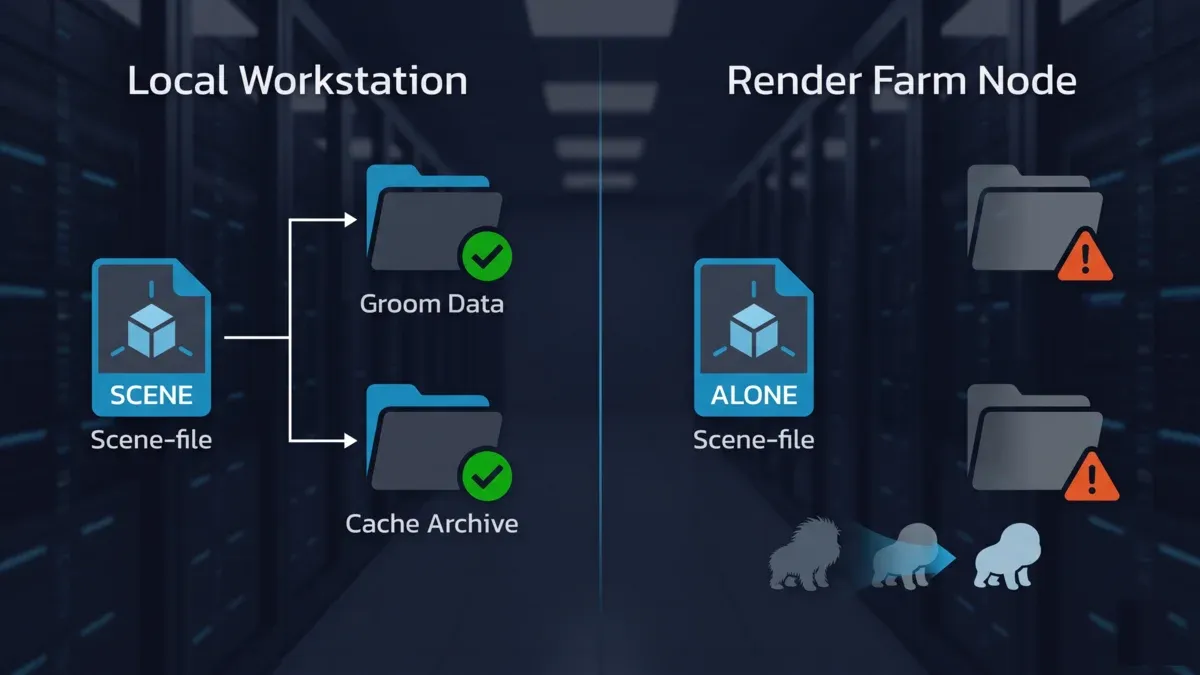 Diagram showing groom and cache data resolving correctly on a local workstation but missing on a render farm node, causing hair or fur to disappear from the render.
Why XGen Breaks on a Render Farm (Even When the Scene "Looks" Fine)
XGen doesn't store a groom or description as geometry baked into the .ma/.mb file. It stores it as a reference: a .xgen palette file plus, depending on how the description is configured, a collections folder (per-description groom data) and an archives folder (baked point-cache or Alembic data if the description is set to render from an archive rather than generate live). When you open the scene locally, Maya resolves those references against paths that already exist on your machine or your local network share. When the same scene lands on a render farm node, those same paths often don't exist - because they were absolute, because they pointed at a UNC share the farm node isn't mapped to, or because only the .ma/.mb file was uploaded and the xgen/ folder next to it never made the trip.
The result is rarely a hard error. XGen typically fails to resolve the description quietly, and the render finishes - just without the hair, fur, or feathers that should have been there. That's the specific failure mode that makes this frustrating to debug: everything else in the frame renders correctly, drives report as mapped, and the Maya and XGen version on the farm matches the workstation exactly - the groom is just gone, because the files that generate it never arrived.
A second, related cause: even when the xgen/ folder is collected, the description's "generate at render time" versus "cached/archived" setting matters. If a description is set to pull from an archive and that archive path is relative to a project structure the farm node doesn't share, the description resolves to nothing rather than falling back to a live-generated groom.
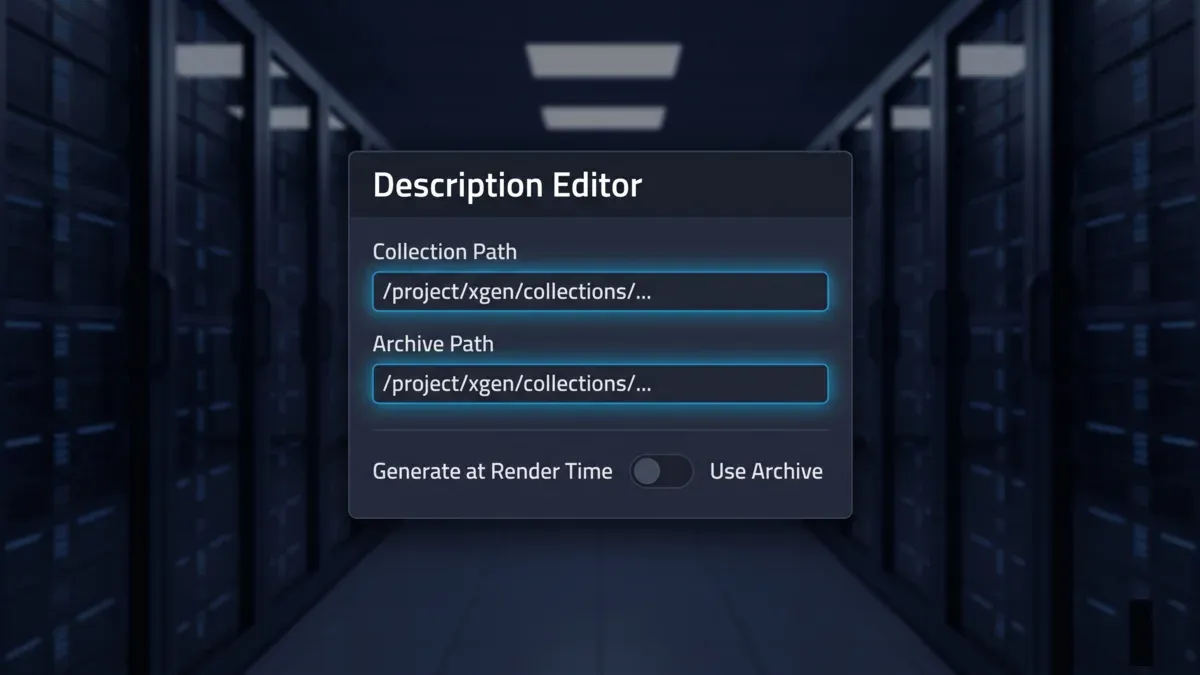 Generic description-editor style panel highlighting collection and archive path fields, illustrating where XGen groom data references live outside the main scene file.
Why .tx Texture Files Break on a Render Farm
.tx is a tiled, mipmapped texture format produced by OpenImageIO's maketx tool. Arnold reads .tx textures faster and with a lower memory footprint than raw source formats, which is why MtoA (Arnold's Maya plugin) offers "Auto-Convert Textures to TX Files" - on save or on render, it silently generates a .tx cache next to your source textures.
That auto-convert behavior is convenient on a single workstation with one local disk and one consistent OpenImageIO build. It's a much less reliable behavior across a distributed render farm, for three separate reasons:
- Stale cache. If a source texture is edited after the
.txfile was generated, and the timestamp check that would normally trigger a re-convert doesn't fire (or the writable location the farm node needs isn't the same as the one it was generated from), Arnold can load an out-of-date.txfile without any warning that it's stale. - Version mismatch.
maketx/OpenImageIO versions differ across Arnold and MtoA releases. A.txcache generated by one OIIO version can produce read errors - typically surfacing as an unspecified OIIO error that aborts the frame - when read back by a different version on the farm side. - Write contention on shared or read-only paths. Auto-convert assumes it can write a
.txfile next to the source texture. On a render farm, that location may be read-only, shared across concurrent jobs, or simply not the same physical path the workstation used, so the conversion either fails silently or two nodes race to write the same cache file.
This is common enough that render farm documentation across the industry - not just ours - routinely tells Maya/Arnold users to disable "Auto-Convert Textures to TX Files" specifically to avoid it, rather than trying to fix the auto-convert behavior itself. The more reliable pattern is to make a deliberate choice: either pre-convert textures to .tx with a known, pinned maketx version and ship those .tx files as part of the asset collection, or turn auto-convert off entirely and submit raw source textures and let the farm's renderer handle the conversion consistently on its own end.
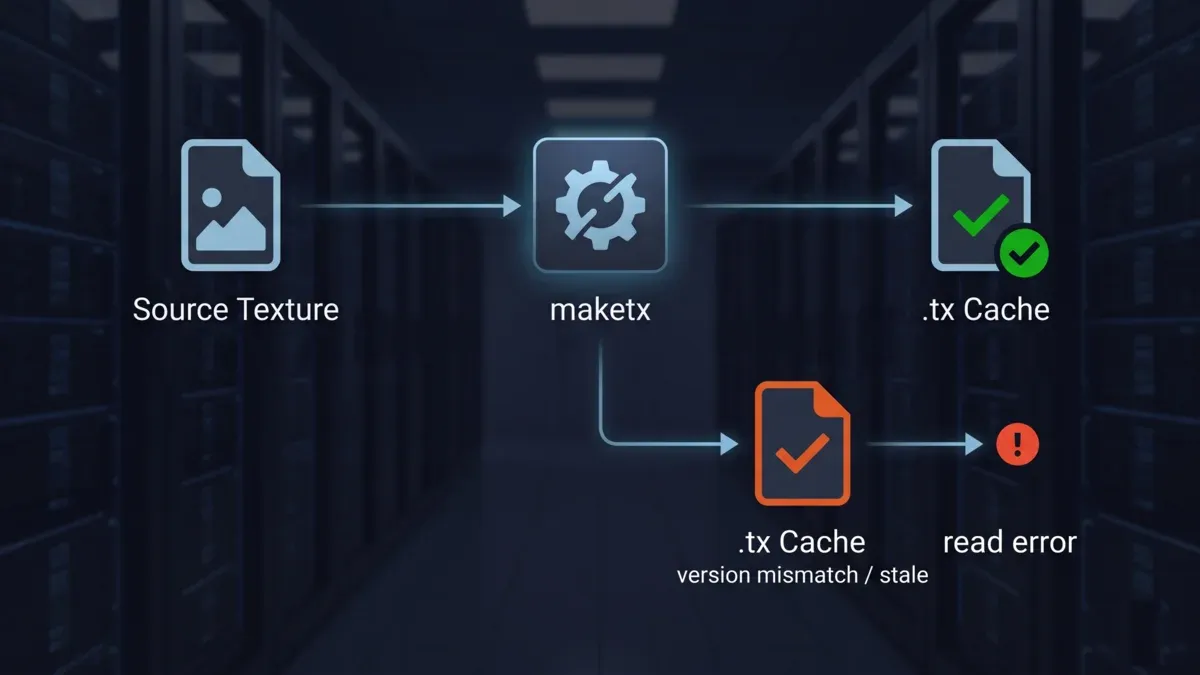 Pipeline diagram showing a source texture converted by maketx into a .tx cache, with a second branch showing a stale or version-mismatched cache leading to a texture read error.
What Maya's Scene Archive Doesn't Collect for You
Maya's built-in scene archiving (Send To / archive project) is built around the standard reference model: file textures wired through Maya's own file nodes, and geometry that lives inside the scene graph. XGen doesn't fully fit that model, which is why its data is one of the most commonly missed pieces in an otherwise "complete" asset collection. Before submitting an XGen scene to any render farm, plan to explicitly package:
- The
.xgenpalette file itself - The
xgen/collections/<description>/folder for every description referenced in the scene - The
xgen/archives/folder, if any description is set to render from a baked archive - Any external guide curves, density maps, or length maps an XGen modifier references outside of Maya's standard file-texture nodes - these sometimes bypass the archiving tools that catch regular textures
- The exact Maya and MtoA (Arnold-for-Maya) version the scene was built in, so the render farm loads the description with a matching plugin build rather than a close-but-different one
None of this requires special software - it requires treating XGen data as a first-class part of the asset collection rather than an implicit side effect of saving the scene.
Maya + Arnold Preflight Checklist for XGen and .tx Jobs
| Step | What to check | Why it matters |
|---|---|---|
| 1. Version match | Confirm the render farm's supported Maya and Arnold/MtoA version range covers your scene's exact version | A version mismatch can break XGen description compatibility even when file paths are correct |
| 2. Collect XGen folders | Explicitly package xgen/collections/, xgen/archives/, and the .xgen file - don't rely on a generic scene-archive tool alone | These are the files most commonly left behind, causing hair/fur to silently disappear |
| 3. Check generate-vs-archive setting | Confirm whether each description generates live or reads from a baked archive, and that the archive path travels with the job | An archive path that doesn't resolve renders nothing, with no error |
| 4. Pick one texture strategy | Either disable "Auto-Convert Textures to TX Files" and submit raw textures, or pre-convert with a pinned maketx version and include the .tx files | Leaving auto-convert on assumes farm-side write access and a matching OIIO version - assumptions that don't always hold |
| 5. Re-path UNC and drive-letter references | Replace any \\server\share\... or local drive-letter paths in XGen and texture nodes with farm-accessible relative paths | Paths that resolve locally frequently don't exist on a render node |
| 6. Run a one-frame test | Submit a single test frame before the full sequence, and check the render log specifically for texture-load and XGen-resolution warnings, not just render completion | Catches missing hair, missing textures, and OIIO errors before they cost a full sequence |
| 7. Decide CPU vs GPU for the shot | For XGen-heavy grooms, deep hair/fur coverage, and custom shading networks, plan on Arnold's CPU rendering path for final frames - heavy procedural and custom-shader scenes are the class of work Arnold's own guidance points toward CPU for final output | Making the CPU/GPU routing decision before submission avoids discovering a device constraint mid-render |
Common Problems and Fixes
| Symptom | Likely cause | Fix |
|---|---|---|
| Hair or fur missing in the farm render, present locally | XGen collections/archives folder not collected, or path not farm-accessible | Explicitly package the XGen folders and re-path any UNC/drive-letter references |
| Render aborts with an unspecified OpenImageIO error mid-frame | Stale or version-mismatched .tx cache | Regenerate .tx with a pinned maketx version, or disable auto-convert and submit raw textures |
| Texture or bitmap fails to resolve on the render node (also seen in Arnold-in-3ds-Max pipelines, a related but distinct failure class - see our 3ds Max Arnold missing bitmap guide) | Texture path not resolvable from the render node | Confirm relative, farm-accessible paths before submission |
| Job renders correctly on a re-submit but failed the first time | Auto-convert wrote the .tx cache mid-render on the first pass; the second pass read the now-complete cache | Pre-convert .tx files ahead of submission, or disable auto-convert entirely |
| Arnold or MtoA plugin errors on load | MtoA version on the farm doesn't match the version the scene was authored in | Confirm the target Maya/Arnold version range before submission |
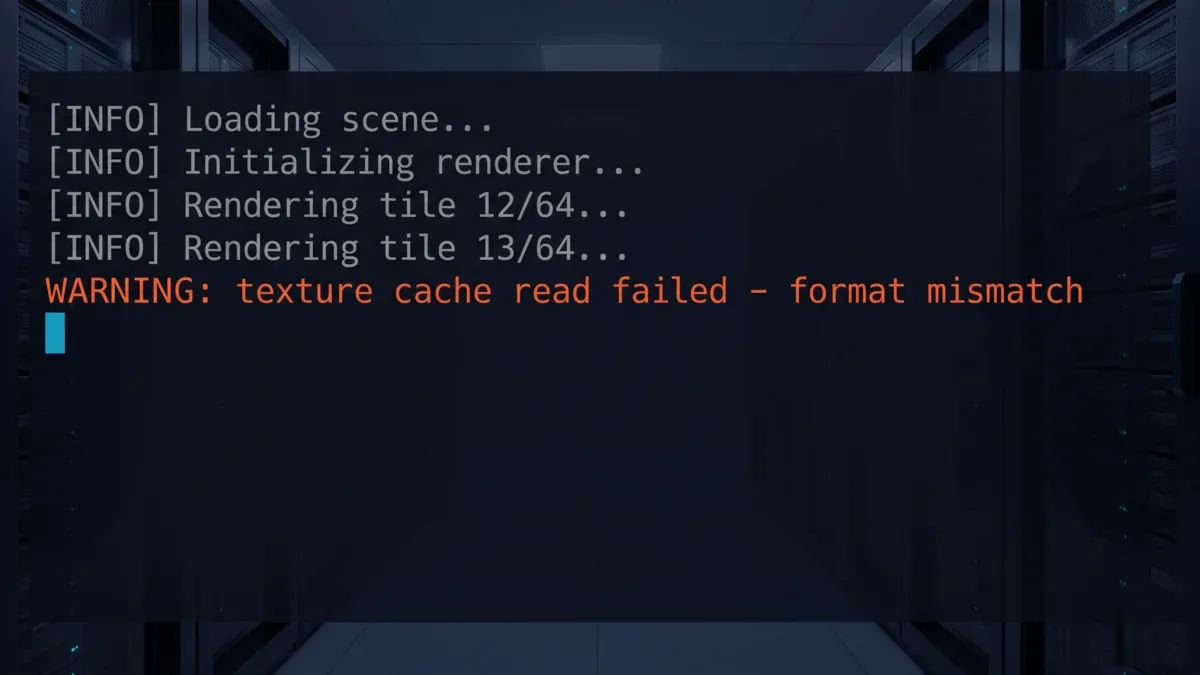 Render log console mockup showing a warning-level texture read error, illustrating the kind of message a stale or mismatched .tx cache produces on a render node.
Summary Checklist
- Maya and Arnold/MtoA versions confirmed against the render farm's supported range
-
xgen/collections/andxgen/archives/explicitly included in the asset collection - Each XGen description's generate-vs-archive setting checked and its path verified as farm-accessible
- One texture strategy chosen: pre-converted
.tx(pinnedmaketxversion) or raw textures with auto-convert disabled - not both - All UNC and drive-letter paths replaced with relative, farm-accessible paths
- One test frame submitted and its render log checked for XGen and texture warnings before the full sequence
- CPU vs GPU rendering path decided for XGen-heavy or custom-shader shots
On our farm, recent Maya versions (2022 and newer) clear version-matching automatically at submission; older versions in the supported 2014-2027 range are routed through a provisioning and compatibility check before rendering starts, so a mismatch is caught before frames burn rather than mid-job. The path, cache, and archive-setting items stay scene-specific and are worth checking regardless of which farm a job is going to.
For general Maya cloud rendering setup beyond XGen and textures specifically, see our Maya cloud rendering guide and our Arnold renderer complete guide. For the software support ranges behind farm version-matching, see our Maya render farm and Arnold render farm pages. On the texture side, OpenImageIO's own maketx documentation is the clearest technical reference for what the .tx conversion is actually doing and which flags control mipmap and tiling behavior.
FAQ
Q: Why does XGen hair or fur disappear when I render on a cloud render farm but works fine locally? A: This usually means the XGen collections and archives folders weren't collected with the rest of the scene. XGen reads groom and description data from these external files at render time - if only the .ma or .mb file is uploaded, the render node has nothing to generate the hair or fur from, and it renders bald instead of throwing an obvious error.
Q: What is a .tx file and why does Arnold need it? A: A .tx file is a tiled, mipmapped texture created by OpenImageIO's maketx tool. Arnold and MtoA use .tx textures instead of raw source formats because tiled mipmaps load faster and use less memory during rendering, which matters more at farm scale than on a single workstation.
Q: Should I leave "Auto-Convert Textures to TX Files" enabled when submitting to a render farm? A: Leaving it enabled is a common source of farm-side texture errors. It works fine on one workstation with one disk, but on a distributed farm it can produce a stale or version-mismatched .tx cache, or hit a write-permission difference on the render node. Pre-converting with a known maketx version and shipping the .tx files, or disabling auto-convert and submitting raw textures, avoids both failure modes.
Q: My Maya and Arnold versions already match the farm's - why is the render still missing textures? A: Version matching prevents plugin-level failures, but most XGen and .tx errors on farms come from file paths, not versions. If XGen references a UNC path or local drive letter that doesn't exist on the render node, or the .tx cache was generated against a texture location the farm can't reach, the render fails even with matching software versions.
Q: How do I know which Maya and Arnold versions a render farm supports? A: Check the farm's supported Maya and Arnold/MtoA version range before submitting - matching versions removes an entire class of render errors. Our farm supports Maya 2014-2027: versions 2022 and newer clear version-matching automatically at submission, and older versions are routed through a compatibility check before rendering.
Q: Should XGen shots render on Arnold's CPU or GPU path? A: XGen-heavy shots with deep hair or fur coverage and custom shading networks belong on Arnold's CPU path for final output - that's the class of work Arnold's own guidance points toward CPU for. Whichever path a shot uses, make the device decision at submission time as part of preflight rather than discovering a constraint mid-render.
Q: What should I check before submitting a Maya scene with XGen to a render farm? A: Run a short preflight: confirm the Maya/MtoA version match, explicitly package the xgen/collections and xgen/archives folders, pick one texture strategy (pre-converted .tx or raw with auto-convert off), re-path any UNC or local-drive references, and submit a one-frame test before the full sequence.
Q: Is this an XGen-only problem, or does it show up with other DCCs too? A: The same underlying pattern - data that lives outside the main scene file, plus cached texture data that goes stale - shows up elsewhere too. 3ds Max users hit a related but distinct issue with missing bitmap nodes in Arnold when texture paths don't resolve on the render node; see our 3ds Max Arnold missing bitmap guide for that version of the problem.
About Thierry Marc
3D Rendering Expert with over 10 years of experience in the industry. Specialized in Maya, Arnold, and high-end technical workflows for film and advertising.