Pixar Render Farm? What That Search Actually Means: RenderMan in the Cloud
Overview
Introduction
"Pixar render farm" gets searched more often than most studios expect (roughly 90 times a month, per Semrush), and almost none of those searches find what they're actually looking for. Pixar does not rent out render capacity. There is no public sign-up page, no pricing tier, no way to submit a scene to the same infrastructure that rendered Coco or Inside Out. Pixar's render farm is internal production infrastructure, built and scaled for Pixar's own pipeline, and it stays that way.
What the search usually means, once you dig into it, is something more specific and more actionable: "I want to render with RenderMan — Pixar's own renderer — and I need somewhere to run it that isn't my workstation." That's a real, solvable problem. RenderMan is a commercial product Pixar licenses to outside studios, it plugs into Maya through the RenderMan for Maya (RfM) integration, and it runs on managed cloud farms the same way Arnold, V-Ray, or Redshift do.
This guide covers that actual path: what RenderMan is and isn't, how RenderMan for Maya works on cloud infrastructure, what licensing looks like when you're not rendering on your own machine, and how to decide whether RenderMan is the right renderer for a cloud-rendered project versus one of the alternatives.
What "Pixar Render Farm" Searches Are Actually Looking For
Pixar's own render farm shows up in a fair amount of behind-the-scenes material — conference talks, engineering blog posts, documentaries about how their films get made — which is presumably why the search term exists at all. It's a real, well-documented piece of infrastructure. It's also completely internal. There's no commercial arm of Pixar that leases render nodes, and no third-party farm operates "the same" infrastructure Pixar uses, because the hardware and scheduling stack is custom-built around Pixar's own pipeline.
The renderer is a different story. RenderMan is Pixar's own path-tracing renderer, and Pixar has licensed it to outside studios and individual artists for decades — it's how RenderMan ended up used across VFX and animation well beyond Pixar's own films. Pixar offers a free non-commercial license for personal work, learning, and evaluation, plus a commercial license for studio production — the same license batch and farm rendering run under. That commercial availability is the actual bridge between "I searched for a Pixar render farm" and "I need a cloud farm that runs RenderMan."
The distinction matters for the rest of this guide: everything from here on is about running RenderMan — a licensed, third-party-available renderer — on cloud infrastructure that is available to any studio, not about accessing Pixar's own internal systems. Pixar publishes RenderMan's licensing tiers and technical documentation directly on the official RenderMan site, which is the authoritative source for current license terms — worth checking directly rather than relying on secondhand summaries, including this one.
RenderMan for Maya: The Technical Foundation
RenderMan for Maya (commonly written RfM) is the plugin that connects Pixar's RenderMan renderer to Maya's scene graph, shading, and lighting tools. It's a separate installation from Maya's bundled Arnold (MtoA), the same way V-Ray or Redshift are separate vendor plugins — Maya doesn't ship with RenderMan pre-installed.
A few things about RfM matter specifically for cloud rendering:
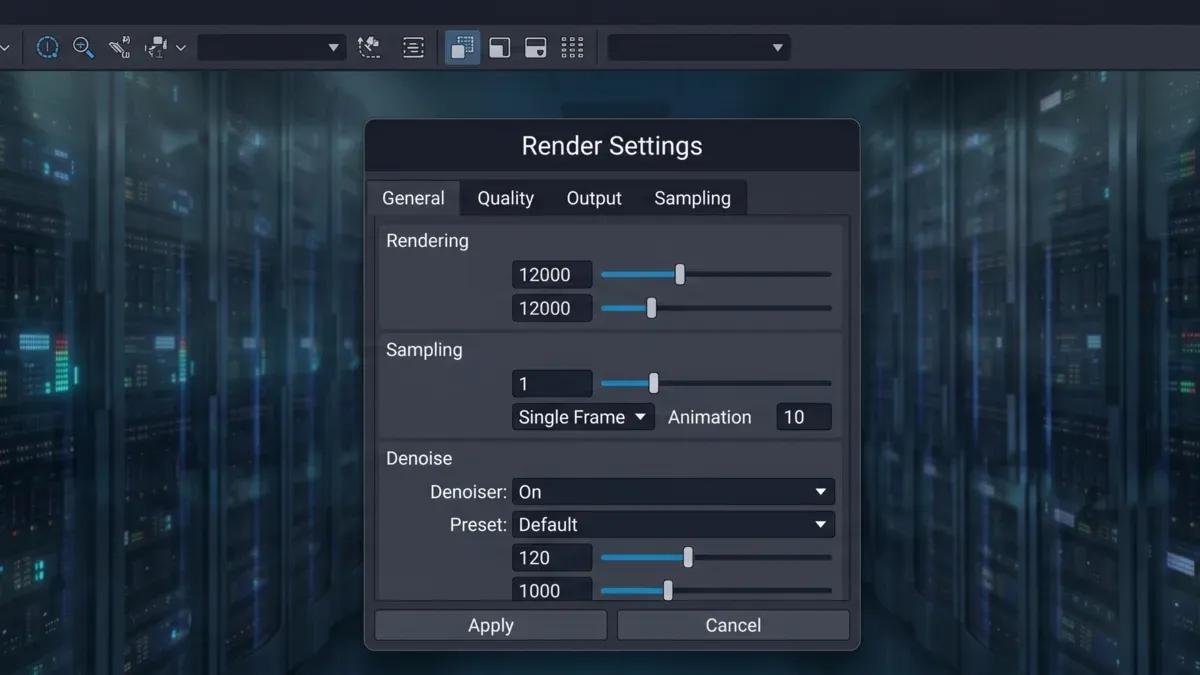 Render engine plugin settings panel inside a 3D DCC application, showing sampling and integrator controls typical of a RenderMan-for-Maya style workflow.
Version support. Supported versions are RenderMan for Maya 25-27. Pixar's release cadence tracks major and minor version bumps roughly annually, and — as with any renderer plugin — the RfM version a scene was authored with has to match what's available on the render nodes it's submitted to. A scene saved with RfM 26 shading nodes won't render correctly against an RfM 25 install, the same version-pinning issue that shows up with MtoA or V-Ray.
XPU, RenderMan's newer rendering path. XPU is built to run across CPU and GPU, but it doesn't degrade gracefully when GPU memory runs out. Pixar's XPU Features and Limitations docs say XPU "will crash if it runs out of memory on your GPU," and inside a DCC like Maya, that failure "will bring down your application as well" — there's no automatic mid-render fallback to CPU. What XPU offers instead is a separate, deliberately-chosen CPU variant, XPUCPU (documented as prman -variant xpucpu): for VRAM-heavy shots, the fix is routing to the CPU variant or CPU nodes at submission time, not expecting XPU to recover on its own if a GPU runs out of memory. Pixar's tech specs document 12GB VRAM as the XPU minimum ("XPU needs a minimum of 12GB of VRAM"), with 24GB called out in the XPU Technical Specifications for dealing with complex assets rather than as a flat recommendation. In RenderMan 25-26, XPU runs alongside RIS as a final-frame rendering path; from RenderMan 27, Pixar promotes XPU to the final-frame renderer, which makes the CPU-versus-GPU routing decision above even more central. For cloud rendering, that means a RenderMan job can be built around CPU nodes when VRAM is the constraint, though GPU nodes speed up compatible scenes — the choice just has to be made before the job runs, not discovered mid-render.
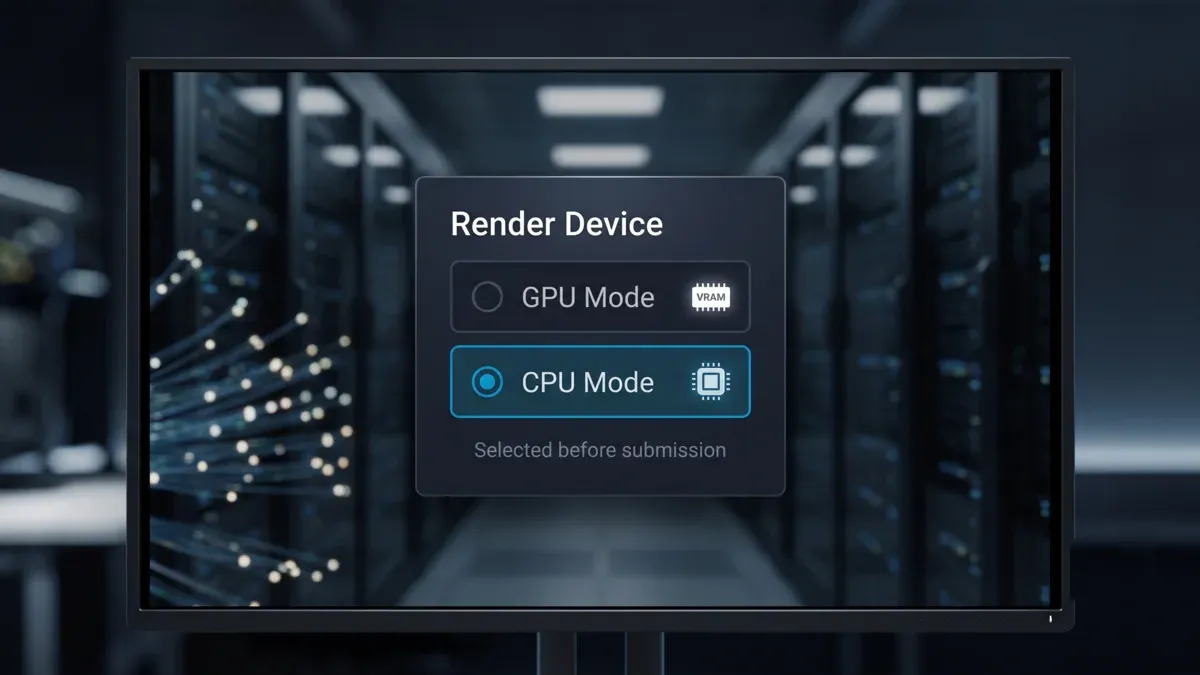 Render mode selector showing separate GPU and CPU rendering variants, illustrating the submission-time choice between GPU-accelerated and CPU-only rendering paths.
Where it's actually used. RenderMan shows up most in character and creature-heavy VFX and animation work — the kind of production where Pixar itself built the renderer's feature set. It's less common in archviz pipelines, where Arnold and V-Ray dominate, but for studios that standardized on RenderMan for their shading and lighting workflow, that choice usually carries through to whatever farm they render on.
Denoising and output. RenderMan ships with its own AI-based denoiser — attached to the RIS pipeline in the 25-26 line, carried forward as XPU takes over final-frame duty in 27 — separate from the third-party denoisers some studios layer on top of other engines. On a cloud farm, denoising typically runs as part of the same job rather than a separate pass, and output goes to standard interchange formats — OpenEXR for full-precision VFX and animation work, the same format most other render engines output to, so downstream compositing in Nuke or After Effects doesn't need engine-specific handling.
Licensing tiers, in more detail. Pixar's published RenderMan pricing (see the official RenderMan store, plus the general FAQ) splits into a free Non-Commercial license for personal work, students, and evaluation (no commercial-use rights), and commercial licensing for studio production: $595 per license — which includes one free license of Tractor, Pixar's own render-farm scheduler — plus $250/year maintenance. Commercial RenderMan licenses are floating by default: deployable anywhere on the studio's network, which is Pixar's own documented renderfarm mechanism ("floating RenderMan licenses can be distributed across a network as needed, allowing the full utilization of all licenses on the renderfarm"); node-locked licenses are available on request. A floating license in use on a render isn't available to an artist seat at the same time, so license count directly caps concurrent renders. For burst farm jobs, Pixar also sells RenderMan Rental separately — $5 per license per day, minimum 10 licenses for 7 days. For a managed farm, that means coordinating floating-license coverage for the render nodes handling a job with the studio during intake, rather than a distinct render-node SKU. Terms are worth confirming directly with Pixar since licensing structures do get revised between versions.
For the broader picture of how Maya scenes move onto cloud infrastructure in general — scene prep, plugin version matching, and the renderers we see most often — our Maya cloud rendering guide covers that end-to-end workflow, with RenderMan as one of several engines discussed alongside Arnold, V-Ray, and Redshift.
Running RenderMan on a Managed Cloud Farm
The practical difference between rendering RenderMan locally and rendering it on a farm comes down to two things: licensing and hardware access.
Licensing. RenderMan's commercial licenses are floating by default — Pixar's own documented model for a renderfarm, where licenses get distributed across whatever machines are actually rendering rather than tied to one seat. A floating license in use on a render isn't available to an artist at the same time, so license count sets a hard ceiling on concurrent renders — not a separate render-node product, just the same commercial licenses the studio already holds, served across the network. On a managed farm, operating that license serving on the render fleet and coordinating coverage with the studio during intake is part of the service, so the studio doesn't have to run farm-side license infrastructure itself.
Hardware. Because XPU can target CPU or GPU depending on the scene, a managed farm's mixed fleet is a reasonable fit for RenderMan work — CPU-heavy shading networks or memory-heavy scenes can route to CPU nodes, while lighter, GPU-friendly setups can take advantage of GPU acceleration. On our farm, that means Dual Intel Xeon CPU nodes for the CPU side and RTX 5090 GPU nodes (32GB VRAM per card) for the GPU-accelerated path — a fleet architected to serve CPU-heavy and GPU-accelerated jobs generally across supported render engines, not a separate RenderMan-only tier.
For studios evaluating Maya-based cloud rendering more broadly — not RenderMan specifically — our Maya cloud render farm page covers the general service model, supported renderers, and hardware fleet RenderMan jobs run on alongside everything else.
Submission. In practice, a RenderMan for Maya job gets submitted the same way any other Maya render does: the scene, its texture and shader dependencies, and the RenderMan-specific plugin nodes go up together, get matched against the correct RfM version on the farm side, and queue into the job scheduler. The fully managed model — no remote desktop into a machine, no manual software install, no license-server babysitting — applies to RenderMan the same as to any other supported engine.
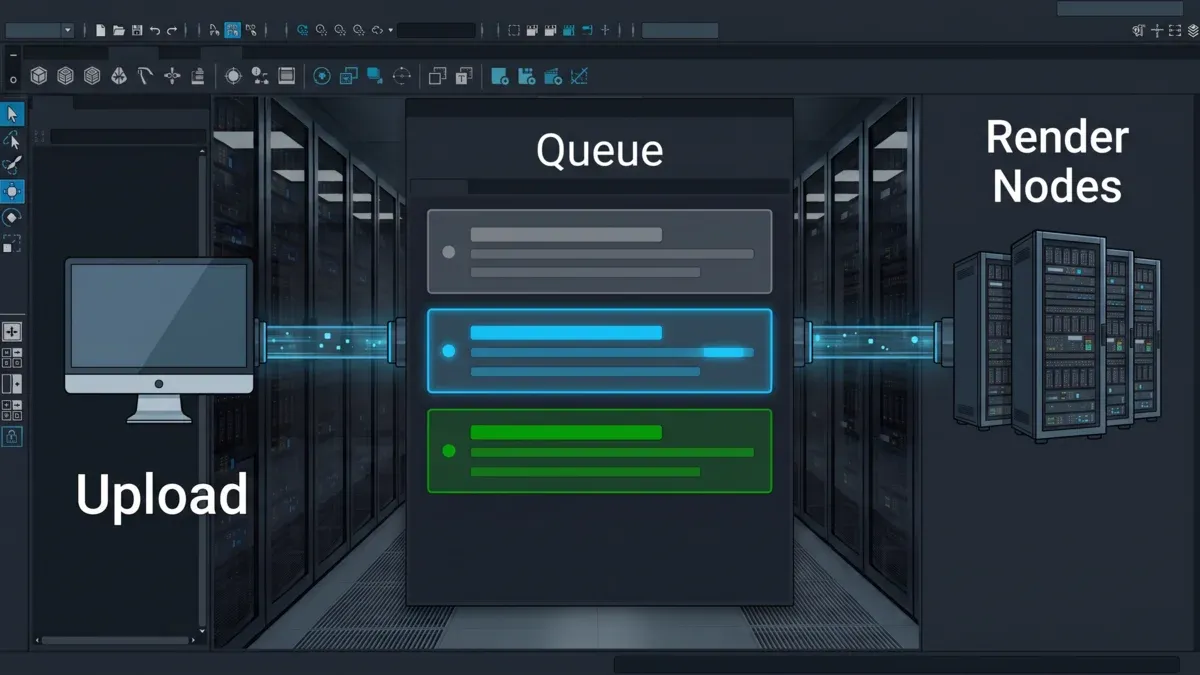 Diagram of a render farm job submission flow: scene and asset upload, job queue with status indicators, and a mixed CPU/GPU compute cluster.
Cost. What actually varies job-to-job is compute time itself, which depends on whether a given frame's XPU path lands on CPU or GPU nodes, scene complexity, and sample counts, not on which renderer wrote the frame. A studio switching a comparable scene from Arnold to RenderMan shouldn't expect render times to change for reasons other than the render itself. License arrangements for RenderMan are confirmed as part of project intake, alongside the rest of the job setup.
If you're weighing a Maya-based cloud farm more generally, not specifically for RenderMan, our Maya render farm comparison breaks down what to evaluate across providers — plugin coverage, hardware mix, and support model included.
RenderMan vs. Other Renderers: A Decision Framework
Not every Maya project should default to RenderMan just because it's Pixar's renderer. The choice depends on what the project actually needs and, often, what pipeline the studio already standardized on.
| Renderer | Where it tends to fit | Cloud farm consideration |
|---|---|---|
| RenderMan (RfM) | Character/creature VFX, animation with existing RenderMan-authored shading | XPU gives CPU/GPU flexibility (hard VRAM ceiling on GPU, not automatic fallback); license coverage coordinated per studio at intake |
| Arnold (MtoA) | General-purpose VFX and archviz, CPU-strong | Bundled with Maya since Maya 2017; broadest existing scene compatibility |
| V-Ray for Maya | Archviz, product visualization, CPU-strong workflows | Widely standardized in archviz pipelines; strong CPU performance |
| Redshift for Maya | Motion design, GPU-heavy lookdev, fast iteration | GPU-only — no CPU fallback, so VRAM budget matters more |
A practical rule that holds regardless of which renderer: whichever engine a scene was authored in is the one it should render in on the farm. Switching renderers mid-project means re-authoring shaders and lighting, not just picking a different queue — RenderMan's shading language and node graph don't translate directly to Arnold's or V-Ray's, and the same is true in reverse.
It's also worth noting RenderMan isn't the only studio-born renderer that made its way into the wider industry. DreamWorks took a similar path with MoonRay, its own path tracer, though the two studios made different choices about how open to make it — our MoonRay guide covers that renderer's background and how it differs from a licensed commercial product like RenderMan.
Common RenderMan-on-Cloud Problems
| Issue | Likely Cause | Fix |
|---|---|---|
| License coverage not confirmed for the job | RenderMan license coverage for the render nodes wasn't confirmed with the farm before upload | Contact support to confirm license coverage before submitting the job, not after |
| Scene renders differently than local preview | RfM version mismatch between the artist's install and the farm's install | Check the RfM version in the scene's fileInfo block and match it to the farm's available version before submitting |
| GPU render dies on VRAM-heavy scene | XPU hard-fails on GPU out-of-memory (no automatic fallback) | Choose the XPUCPU variant / CPU nodes when submitting that shot |
| Shader compile times spike on first frame | Complex OSL or PxrSurface shading networks compiling fresh on each node | Expected on first-touch nodes; subsequent frames in the same job reuse the compiled shader cache |
| Textures missing on render nodes | Relative texture paths not resolving the same way on farm workers as on the local machine | Use absolute or project-relative paths consistently, and verify with a scene-prep pass before upload |
Choosing a Render Farm for a RenderMan Project: A Checklist
- Confirm the farm actually supports RenderMan for Maya specifically — not every cloud farm carries every renderer, and RenderMan is less universally supported than Arnold or V-Ray.
- Ask how license coverage for the render nodes is handled before you upload, not after a job fails.
- Match RfM plugin versions between your Maya install and the farm's — this is the single most common source of scene-won't-render errors across any Maya plugin, RenderMan included.
- Check whether the farm's hardware mix (CPU and GPU) fits how your scene uses XPU, rather than assuming GPU-only infrastructure will handle it.
- If your pipeline is already standardized on RenderMan shading, don't plan around switching renderers to "make cloud rendering easier" — the re-authoring cost usually outweighs any farm-availability convenience.
When RenderMan on a Cloud Farm Isn't the Right Call
RenderMan being available doesn't mean it's the right default for every project asking about it. If a studio arrived at "Pixar render farm" purely out of brand association — wanting a render that "looks like Pixar" rather than needing RenderMan's specific shading and lighting toolset — the renderer choice usually matters less than good lighting and shading work in whatever engine the artist already knows. RenderMan doesn't produce a distinct visual signature on its own; Pixar's look comes from art direction and lighting craft, not from the renderer being unique to a studio.
Similarly, if a project has zero existing RenderMan assets and the deadline is tight, starting a scene fresh in RenderMan purely to access XPU's CPU/GPU flexibility is usually the wrong trade. Arnold and V-Ray both have mature CPU paths, and Redshift's GPU-only pipeline is faster to onboard for teams new to cloud rendering generally. RenderMan earns its place when the shading work already exists in it, or when a studio's downstream pipeline — look development libraries, lighting rigs, shot templates — was built around it.
FAQ
Q: Can I rent a render farm to render with RenderMan? A: Yes. Pixar itself doesn't rent out render capacity, but RenderMan is separately licensed commercial software, and managed cloud farms — including ours — run RenderMan for Maya as one of several supported render engines.
Q: Does Pixar operate a render farm for other studios to use? A: No. Pixar's render farm is internal production infrastructure built for its own films, with no public access or commercial rental option. What outside studios can access is RenderMan itself, licensed separately from Pixar's internal infrastructure.
Q: Is RenderMan free to use? A: Pixar offers a free non-commercial license for personal projects, learning, and evaluation. Commercial studio production requires a commercial license from Pixar — $595 per license (includes one Tractor scheduler license) plus $250/year maintenance, floating by default so it can move across whatever machines are rendering. Batch and farm rendering runs under those same commercial licenses rather than a separate render-node tier; Pixar also sells a short-term RenderMan Rental option for burst jobs ($5/license/day, minimum 10 licenses for 7 days).
Q: What's the difference between RenderMan and Arnold for cloud rendering? A: Arnold ships bundled with Maya and is CPU-strong with broad scene compatibility across archviz and VFX. RenderMan is a separate plugin most common in character and creature VFX work, with XPU giving it CPU/GPU flexibility that Arnold's CPU-focused path doesn't have in the same way.
Q: Does RenderMan use GPU rendering? A: Yes, through XPU, RenderMan's hybrid rendering mode that can target CPU, GPU, or both. It isn't GPU-only the way Redshift is, but on GPU it has a hard VRAM ceiling rather than a graceful fallback — Pixar's own docs say XPU will crash on GPU out-of-memory. VRAM-heavy scenes need the CPU variant (XPUCPU) or CPU nodes chosen at submission time, not an automatic rescue mid-render.
Q: What Maya versions work with RenderMan for Maya on a cloud farm? A: RfM version compatibility tracks Maya version support the same way any Maya plugin does. The specific RfM version a scene was authored with needs to match what's installed on the farm side — check the plugin version in the scene file before submitting rather than assuming compatibility.
Q: Can I switch from RenderMan to a different renderer partway through a cloud-rendered project? A: Technically yes, but it means re-authoring shaders and lighting for the new engine, not just changing a render setting. RenderMan's shading language doesn't translate automatically to Arnold, V-Ray, or Redshift, so this is a production decision, not a farm-configuration one.
Q: How is RenderMan licensing handled on a managed cloud farm? A: RenderMan's commercial licenses are floating by default, so batch and farm rendering runs under the same licenses a studio already holds rather than a separate render-node tier — a floating license in use on a render just isn't available to an artist seat at the same time. On a managed farm, license coverage for the render nodes handling a job is coordinated with the studio during intake, as part of standard setup for a RenderMan-heavy project.
About Thierry Marc
3D Rendering Expert with over 10 years of experience in the industry. Specialized in Maya, Arnold, and high-end technical workflows for film and advertising.