
Tag: Arnold
Showing all articles tagged with "Arnold"

¿Los archivos de XGen y .tx fallan en su render farm? Guía de preflight para Maya
El pelo de XGen que desaparece y los errores de textura .tx son dos fallos comunes en una render farm de Maya. Por qué ocurren y una checklist para evitarlos.

Renderizado de escenas de Maya con USD en una render farm
Los pipelines de Maya funcionan cada vez más con USD, pero no todas las render farms lo manejan correctamente. Así es como las escenas USD se renderizan en una render farm gestionada, con licencias incluidas.
Maya 2027 Cloud Render Farm: Renderizado con Arnold, V-Ray y Redshift a escala
Maya 2027 ha llegado. Una guía sobre renderizado en la nube con la nueva versión: motores compatibles, envío a la render farm y qué comprobar antes de empezar.
Arnold vs Redshift en 2026: Una comparación de producción para Maya, 3ds Max y Cinema 4D
El trazado de rayos de Arnold orientado al realismo de producción frente a la velocidad GPU-first de Redshift — analizamos ambos motores en cuanto a flujo de trabajo, compatibilidad con DCC y uso en render farm.
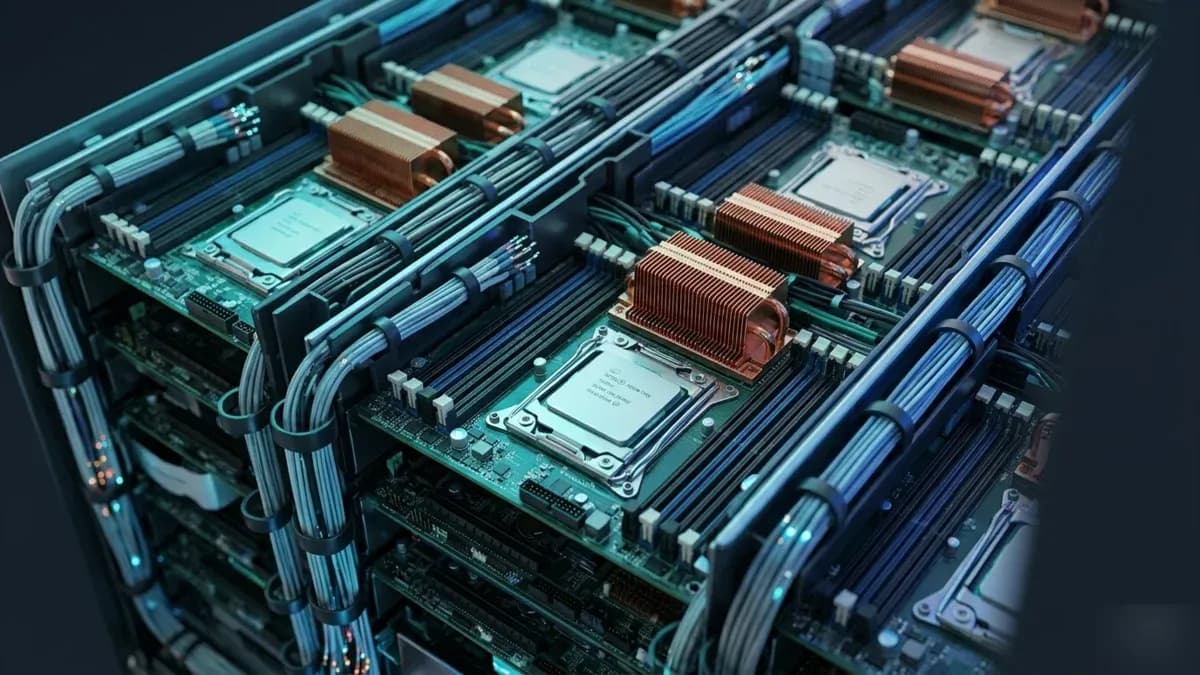
render farm CPU: por qué el renderizado por CPU sigue dominando el cloud rendering en 2026
El renderizado por CPU gestiona la mayoría de las cargas de trabajo de render farms en la nube en 2026. Aquí explicamos por qué — y cómo sacar el máximo de un pipeline basado en CPU.
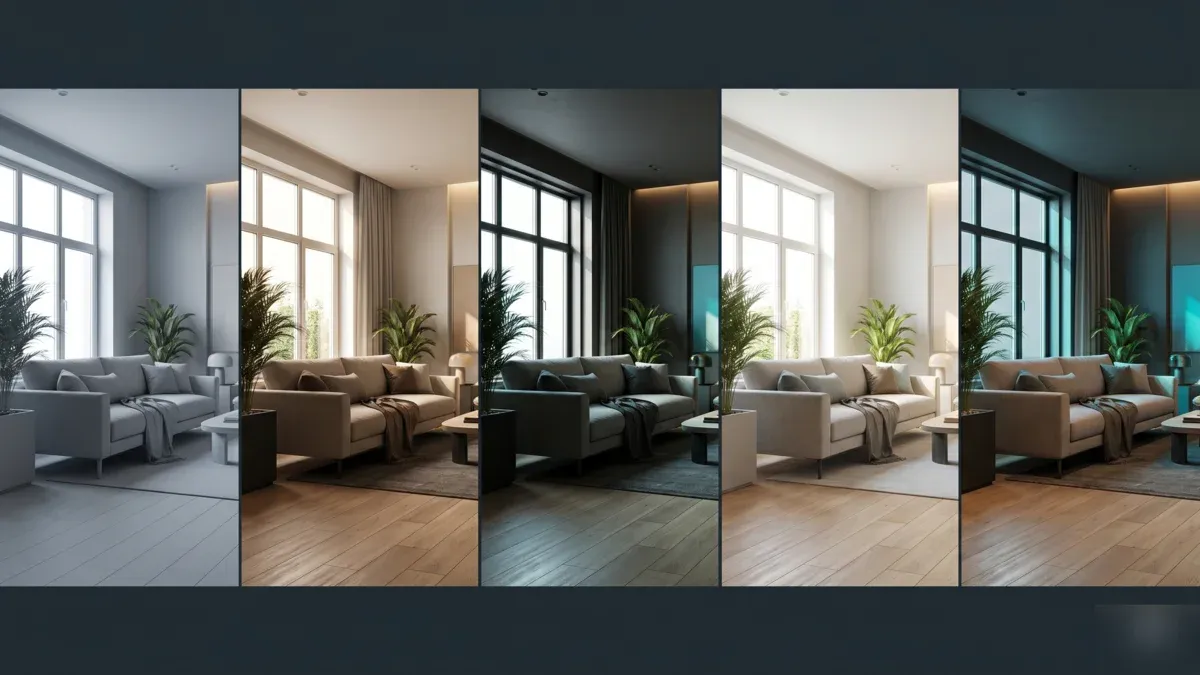
Mejores motores de renderizado para 3ds Max en 2026: V-Ray, Corona, Arnold, Redshift y Octane comparados
Una comparación práctica de los motores de renderizado que importan para 3ds Max en 2026 — V-Ray, Corona, Arnold, Redshift, Octane y FStorm — a través de flujos de trabajo, hardware y renderizado en la nube.

Cloud Render Farm con Houdini: Guía Completa de Configuración para 2026
Guía práctica para renderizar escenas de Houdini en la nube: flujos de trabajo con Karma, Redshift y Mantra, preparación de assets USD y solución de errores comunes.
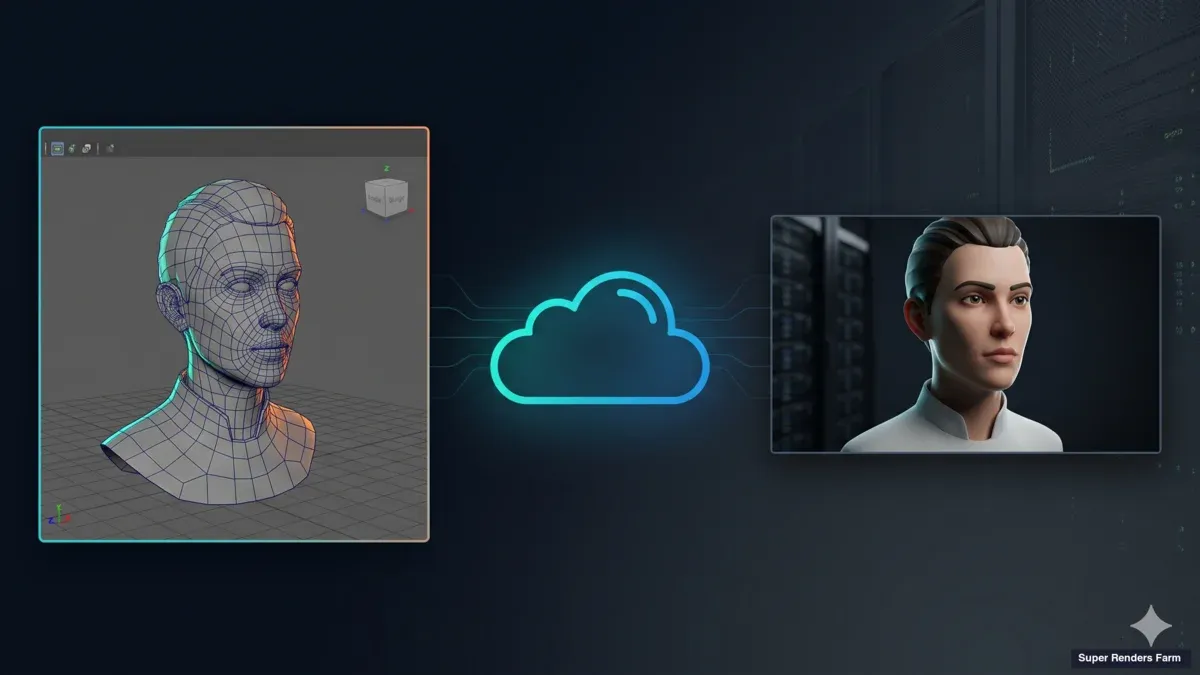
Maya en la nube: guía de Arnold, V-Ray y Redshift 2026
Renderizado de Maya en la nube explicado: cómo renderizar Maya online con Arnold, V-Ray o Redshift — preparación de escenas, compatibilidad de plugins y errores comunes.
Servicios de renderizado: cómo funciona el renderizado 3D en la nube en 2026
Los servicios de renderizado permiten cargar una escena 3D y renderizarla en hardware cloud en lugar de su estación de trabajo. Cómo funciona el proceso, qué es compatible y qué verificar antes de elegir uno.
La mejor GPU para renderizado 3D en 2026: Una lista de niveles práctica para artistas
Lista de niveles de GPU para renderizado 3D 2026: VRAM por caso de uso, compatibilidad con motores de renderizado y cómo elegir la tarjeta correcta para su flujo de trabajo.