Tutorial FumeFX: Guia Completo de Simulação Realista de Fogo e Fumo
Visão geral
A Importância do FumeFX na Indústria VFX
O FumeFX é um dos simuladores de dinâmica de fluidos mais poderosos disponíveis para 3ds Max e Maya. Desde explosões cinematográficas até fumo subtil em ambientes internos, o FumeFX oferece precisão e controlo inigualáveis. A sua capacidade de criar simulações realistas de fogo e fumo tornou-o uma ferramenta indispensável nos estúdios de CGI de topo em todo o mundo.
Neste guia completo, exploraremos cada aspecto do FumeFX, desde os fundamentos básicos até técnicas avançadas de otimização. Se trabalhas em 3ds Max ou Maya, e procuras elevar os teus efeitos de fogo e fumo, estás no local certo.
Compreender Grelhas Voxel: O Coração do FumeFX
As grelhas voxel são o alicerce de todas as simulações em FumeFX. Um voxel é um elemento de volume tridimensional, semelhante a um pixel mas em 3D. A grelha voxel é essencialmente um contentor que mantém os dados da simulação — densidade de fumo, velocidade, temperatura e muito mais.
Como Funcionam as Grelhas Voxel
A resolução da grelha voxel determina a precisão e qualidade da simulação:
- Baixa resolução (20×20×20): Simulações rápidas, mas com menos detalhe
- Resolução média (40×40×40): Equilíbrio entre qualidade e performance
- Alta resolução (80×80×80 ou superior): Detalhe máximo, requer mais poder computacional
Quanto maior a resolução, mais VRAM necessária e mais tempo requerido para calcular. Por isso, a otimização da grelha é fundamental para fluxos de trabalho eficientes.
Dimensionamento da Grelha
O tamanho físico da grelha também importa. Uma grelha demasiado pequena pode cortar a simulação; uma grelha demasiado grande desperdiça recursos. O ideal é envolver o objeto simulado com uma margem confortável de 10-20% em torno dele.
O Sistema Core do FumeFX
Componentes Principais
O FumeFX funciona em torno de diversos componentes fundamentais:
- Contentor de Simulação: Define o espaço onde ocorre a dinâmica de fluidos
- Fonte de Fogo/Fumo: Objetos que emitem fogo ou fumo (podem ser geometria ou volumes)
- Colisores: Geometria que o fluido interage e colide
- Campos de Força: Gravidade, vento e campos personalizados para controlar a dinâmica
Configuração Básica
Para começar com FumeFX:
- Cria um contentor de simulação com dimensões apropriadas
- Define as fontes (geometria que emite fogo/fumo)
- Atribui colisores para interações realistas
- Configura parâmetros básicos (dissipação, flotabilidade, difusão)
- Executa a simulação e ajusta conforme necessário
Os parâmetros mais críticos durante a configuração inicial são a flotabilidade (como o fumo sobe) e a dissipação (como o fumo desaparece ao longo do tempo).
Simulação Realista de Fogo e Fumo
Criando Fogo Realista
O fogo autentico requer múltiplas camadas:
- Temperatura: Define a cor e intensidade do fogo
- Combustível: Controla como o fogo se dissemina
- Reação em Cadeia: Fogo que consome combustível cria mais fogo, criando dinâmica realista
Para um efeito de explosão realista, cria uma emissão inicial elevada com dissipação rápida de temperatura. Isto simula o pico de energia de uma explosão.
Alcançando Realismo em Fumo
O fumo realista exige:
- Movimento Natural: O fumo deve subir naturalmente devido à flotabilidade
- Dissipação Gradual: O fumo não desaparece instantaneamente; dissipa-se gradualmente
- Turbulência: Adiciona perturbação para evitar simulações em padrões
- Resolução Suficiente: Pelo menos 60×60×60 para fumo que pareça detalhado
A temperatura do fumo também afeta o seu movimento — fumo quente sobe mais rapidamente do que fumo frio.
Renderização com V-Ray vs Arnold
Renderização com V-Ray
O V-Ray é uma escolha excelente para renderizar FumeFX:
- Volumetria Rápida: O V-Ray processa volumes de forma eficiente
- Volumetric Shadows: Cria sombras realistas dentro do volume
- Light Cache: Acelera renderização de cenas complexas
Configuração recomendada para V-Ray:
- Volume Step: 0,1 a 0,2 (quanto menor, mais preciso)
- Shadow Step: Similar ao Volume Step
- Volume Subdivs: 1-2 para performance, 3-4 para qualidade máxima
Renderização com Arnold
Arnold oferece uma abordagem diferente:
- Renderização GPU Eficiente: Usa GPU para processamento volumétrico rápido
- Integração Simples: Funciona perfeitamente com 3ds Max e Maya
- Resultados Consistentes: Renderização determinística
Configuração recomendada para Arnold:
- Volume Samples: 2-4 (maior = mais qualidade, mais lento)
- Volume Indirect Samples: 1-2
- Usar GPU rendering quando disponível para velocidade dramática
Comparação Directa
| Aspecto | V-Ray | Arnold |
|---|---|---|
| Velocidade | Rápida em CPU | Muito rápida em GPU |
| Qualidade volumétrica | Excelente | Excelente |
| Curva de Aprendizagem | Média | Fácil |
| Integração FumeFX | Nativa | Nativa |
Otimização de Performance
Reduzir Overhead Computacional
Para cenas com FumeFX pesadas:
- Resolve em Passes: Renderiza fogo separado de fumo
- Cache de Simulação: Guarda simulações em disco para evitar recálculos
- LOD (Level of Detail): Usa resoluções diferentes para aprovações vs. finais
- Limitar o Domínio: Restringe o contentor apenas à área necessária
Otimizações de Renderização
- Renderiza em passes separados (difusão, emissão, sombra volumétrica)
- Usa Light Linking para controlar quais luzes afetam o volume
- Reduz resolução de volume durante testes; aumenta apenas para renders finais
Gestão de VRAM
A VRAM é frequentemente o factor limitante:
- 32 GB VRAM: Suporta simulações até ~60×60×60 com facilidade
- 16 GB VRAM: Adequada para ~40×40×40, requer otimização
- 8 GB VRAM: Simulações pequenas apenas (~20×20×20)
Se enfrentes limitações de VRAM, reduz a resolução ou divide a simulação em sub-grids.
Escalagem com Render Farm
Por que Usar uma Render Farm?
As simulações de FumeFX são intensivas em CPU/GPU. Uma render farm permite:
- Renderização Paralela: Renderiza múltiplas frames simultaneamente
- Acesso a GPU: Acesso a hardware GPU de topo sem investimento inicial
- Escalabilidade: Aumenta recursos conforme necessário
Integração com SuperRenders
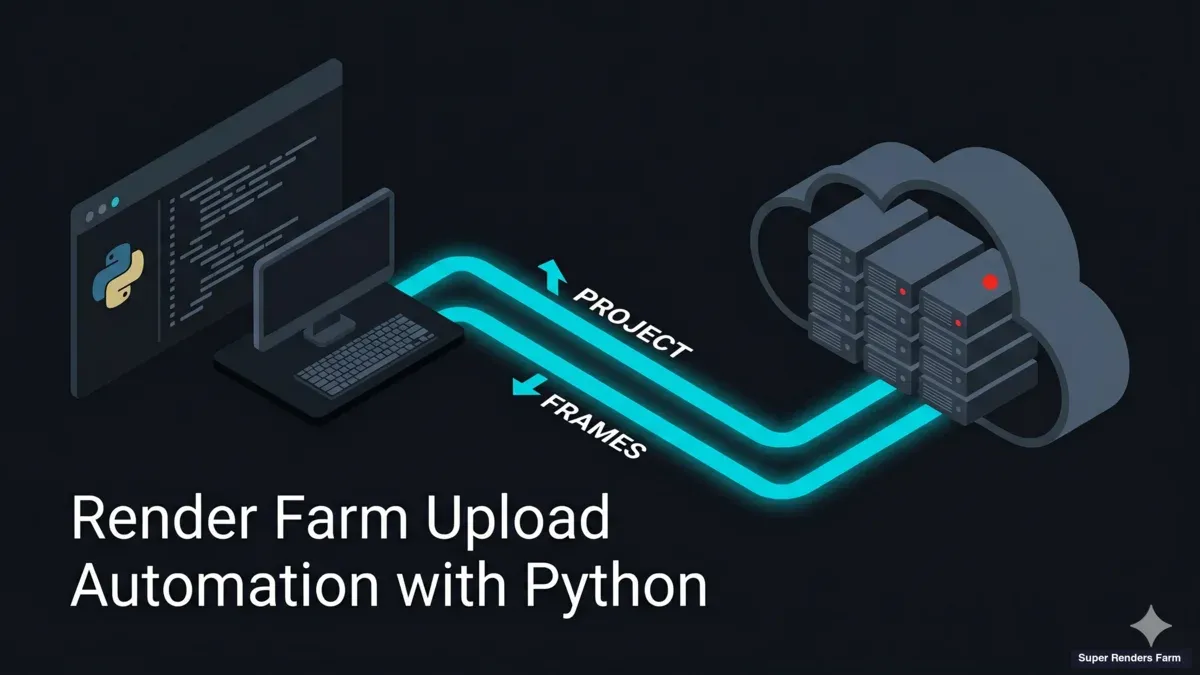
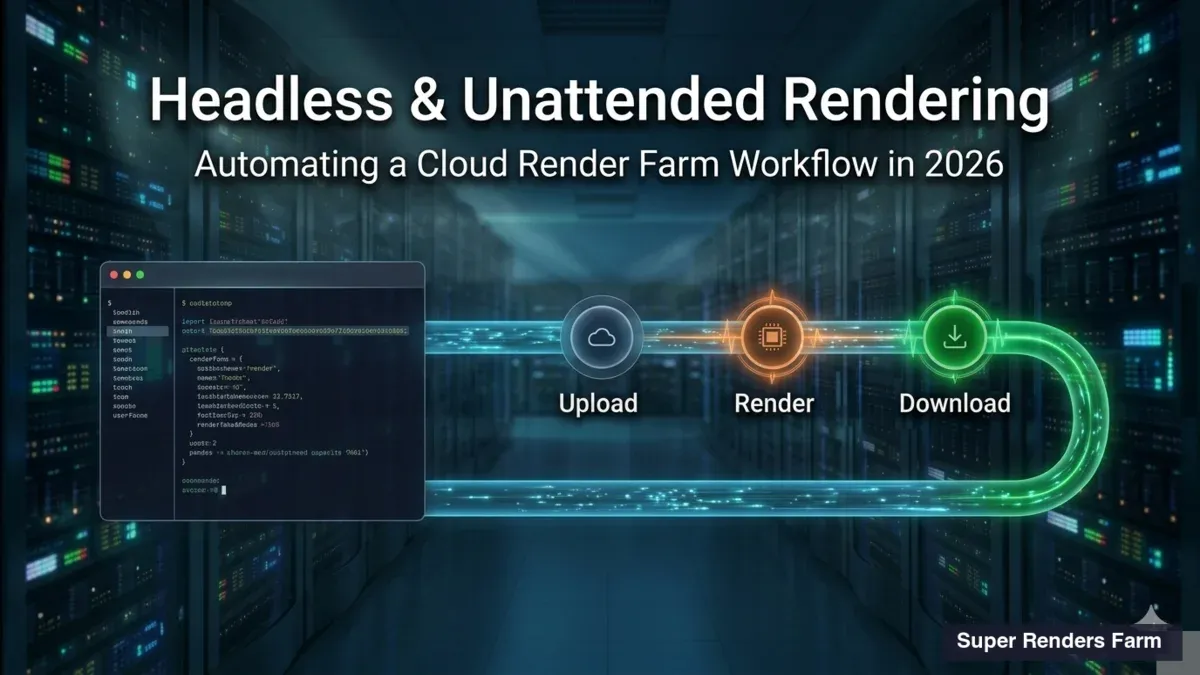
A Super Renders Farm simplifica o processo:
- Exporta o teu ficheiro de 3ds Max ou Maya
- Carrega para a plataforma da Super Renders
- Configura parâmetros de renderização
- A farm processa em paralelo
- Descarrega frames renderizadas
A Super Renders suporta V-Ray, Arnold e outros renderizadores, garantindo compatibilidade total com o teu fluxo de trabalho FumeFX.
Benchmarking de Velocidade
Uma simulação 50×50×50 com V-Ray:
- Computador Local (RTX 4090): ~45 min por frame
- Super Renders Farm (8 GPUs): ~6 min por frame
A economia de tempo é substancial para projectos com centenas de frames.
Comparação de Ferramentas: FumeFX vs Alternativas
FumeFX vs Phoenix FD
| Critério | FumeFX | Phoenix FD |
|---|---|---|
| Fogo Realista | Excelente | Bom |
| Fumo Detalhado | Excelente | Excelente |
| Integração 3ds Max | Nativa | Nativa |
| Suporte GPU | Não | Sim (com V-Ray) |
| Curva de Aprendizagem | Acentuada | Média |
FumeFX vs Houdini
Houdini oferece uma solução procedural mais poderosa, mas:
- Exige aprendizagem de VEX/HScript
- Requer software separado (não é plugin)
- Maior controlo criativo, mas configuração mais complexa
FumeFX é mais acessível para artistas que preferem interfaces visuais.
FumeFX vs EmberGen
EmberGen é leve e rápido, mas:
- Oferece menos precisão em simulações complexas
- Melhor para efeitos genéricos ou prototipagem rápida
- Menos controlo fino comparado a FumeFX
Recursos de Aprendizagem
Documentação Oficial
A documentação oficial do FumeFX em https://docs.afterworks.com cobre:
- Conceitos fundamentais
- Exemplos passo a passo
- Resolução de problemas
Tutoriais Práticos
Encontra tutoriais em plataformas como:
- YouTube (canais especializados em VFX)
- Udemy (cursos estruturados)
- CGTalk (comunidade de profissionais)
Comunidade
Participa em fóruns de FumeFX para:
- Fazer perguntas a utilizadores experientes
- Partilhar ficheiros de cena de exemplo
- Aprender com os melhores práticas da indústria
FAQ
O FumeFX consome demasiada VRAM — como posso melhorar?
Reduz a resolução da grelha voxel, divide a simulação em sub-grids, ou utiliza uma render farm como a Super Renders Farm que oferece acesso a hardware com VRAM generosa.
Qual é a diferença entre dissipação e advecção em FumeFX?
A dissipação remove gradualmente massa (fumo desaparece), enquanto a advecção move a massa existente com base no campo de velocidade. Ambas são essenciais para simulações realistas.
Posso usar FumeFX em Maya?
Sim, FumeFX funciona nativamente em Maya através de plugins. A funcionalidade é idêntica à versão 3ds Max.
Quanto tempo demora a renderizar uma cena com FumeFX?
Depende da resolução da grelha, configurações do renderizador e poder computacional. Uma simulação 50×50×50 com V-Ray pode levar 30-60 minutos por frame num computador local, mas apenas 5-10 minutos numa render farm moderna.
Qual é a melhor abordagem para loops de fogo contínuo?
Utiliza uma emissão contínua com flotabilidade elevada e dissipação equilibrada. Configura o contentor para «reciclar» o fumo, transformando-o em fumo frio que sai do topo enquanto novo fumo quente entra pelo fundo.
Como posso acelerar o tempo de simulação?
Reduz a resolução de simulação durante testes, usa um Time Scale elevado (1,5x-2x), ou divide a cena em múltiplos contentores menores que simulam de forma independente.
Conclusão
O FumeFX continua a ser a ferramenta de referência para simulação realista de fogo e fumo em 3ds Max e Maya. Ao dominar grelhas voxel, configuração de sistema core, técnicas de renderização e otimização de performance, és capaz de criar efeitos cinematográficos de nível profissional.
Para projectos exigentes, a integração com serviços de render farm como a Super Renders Farm elimina limitações de hardware local, permitindo renderização rápida sem comprometer qualidade.
Começa com simulações simples, compreende os parâmetros fundamentais, e escala gradualmente para projectos mais complexos. A comunidade de FumeFX é vibrante e acolhedora — não hesites em partilhar o teu trabalho e aprender com pares.
Conheça a Super Renders Farm para renderizar as tuas simulações FumeFX na nuvem.
About Thierry Marc
3D Rendering Expert with over 10 years of experience in the industry. Specialized in Maya, Arnold, and high-end technical workflows for film and advertising.