
Tag: Troubleshooting
Showing all articles tagged with "Troubleshooting"
“A required install component is missing or corrupted. Error 3051” when installing an Autodesk Update
Fix Autodesk Error 3051 — reinstall ODIS service and repair corrupted update components.
How to Fix "The system cannot open the device or file specified" Error During Autodesk Installation
Fix system cannot open the device Autodesk error — permissions, antivirus exclusions, and clean install.
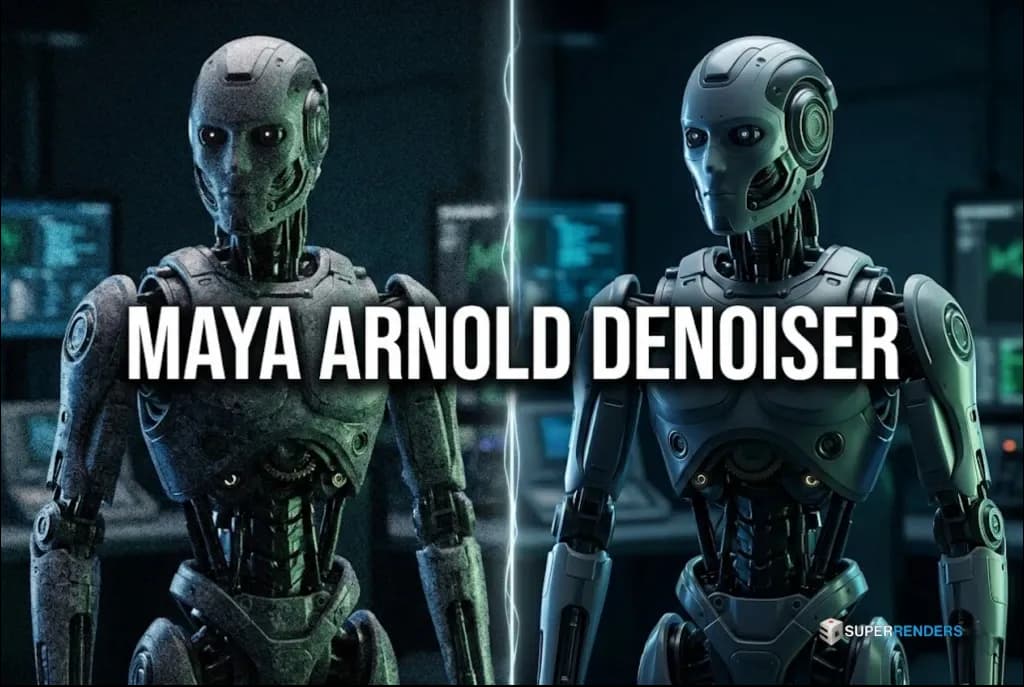
How to Denoise AOVs Effectively
Learn how to use the Maya Arnold Denoiser to clean up your renders. This guide covers adding variance AOVs, CPU rendering requirements, and setting up the noise denoiser for professional results.
How to Fix "An error has occurred" when using Undo in 3ds Max
Fix 3ds Max Undo crash from ALC MAXScript malware — detection, cleanup, and prevention.
How to Fix: Cannot see Corona VFB when Rendering
Learn how to fix the missing Corona Frame Buffer (VFB) window during rendering. This guide provides step-by-step instructions to verify your Render Setup and Frame Buffer settings, specifically for early 1.x versions of Corona Renderer
Maya Crashes When Opening Scene File: Causes and Solutions
Fix Maya crashes on file open — corrupted preferences, missing plugins, and scene recovery methods.
Arnold render MAXtoA errors when starting 3ds Max
MAXtoA plugin won't load at startup? DLL errors usually trace back to version mismatches or incomplete installations.

Error: “Missing External Files” in 3DS Max
Fix 'Missing External Files' in 3ds Max — re-pathing, UNC paths, Relink Bitmaps, and farm submission tips.
“Establish an Internet connection to continue” when logged in as a standard user in Maya.
Fix Maya Establish an Internet connection error — folder permissions for standard Windows users.

How to Optimize Performance in Very Large 3ds Max Scenes
Struggling with lagging viewports or crashes in 3ds Max? Discover essential techniques for managing 1GB+ scenes, from local workflow shifts to geometry optimization and proxy usage