
RTX 5090 in Production: The Numbers Behind Our CGW SIGGRAPH Field Report
Overview
Introduction
Earlier this year Super Renders Farm put its first RTX 5090 node into production, and we let a live render queue, not a benchmark script, decide what the card was actually worth. We wrote up the full story for Computer Graphics World's SIGGRAPH 2026 issue: seven weeks of task records from real client scenes, the failures and all.
This piece is the companion to that story: the same production data, distilled into the numbers people actually want to quote, with the methodology spelled out so each figure can be checked rather than taken on faith. If you only need one number, it is the median 3.2x speedup below. If you need to cite it responsibly, keep reading.
As featured in Computer Graphics World: this data set backs our field report in CGW's SIGGRAPH 2026 issue. Read it in the CGW April/May/June 2026 digital edition. A short video walkthrough of the same deployment, including the node hardware and how we pulled the numbers, is available in this video walkthrough.
How the numbers were built
Every figure here comes from Super Renders Farm production logs, not a controlled lab pass. The node running the RTX 5090s is straightforward: two cards per node, 128 GiB RAM, 32 logical cores, Windows 11, one task per GPU so every number below is a clean per-card figure.
For the speedup comparison, we did not stage matched scenes. We pulled jobs that ran on both the new and the previous-generation nodes in the normal course of business, same scene and same user, requiring at least three tasks per side before a scene counted. A methodology note, because it changes how to read the number: each scene contributes the median of its own per-frame times on each side, and the 3.2x is the median of those 38 ratios, a median of medians, so one slow frame cannot tilt it. That filter left 38 paired scenes drawn from 1,419 individual render tasks across April and May 2026: 503 tasks on the RTX 5090 node, 916 on our previous-generation, RTX 3080-class nodes running as GPU passthrough inside virtual machines. All of it is Blender Cycles GPU work; we are not generalizing this to other render engines or to other hardware generations.
The headline number: median 3.2x
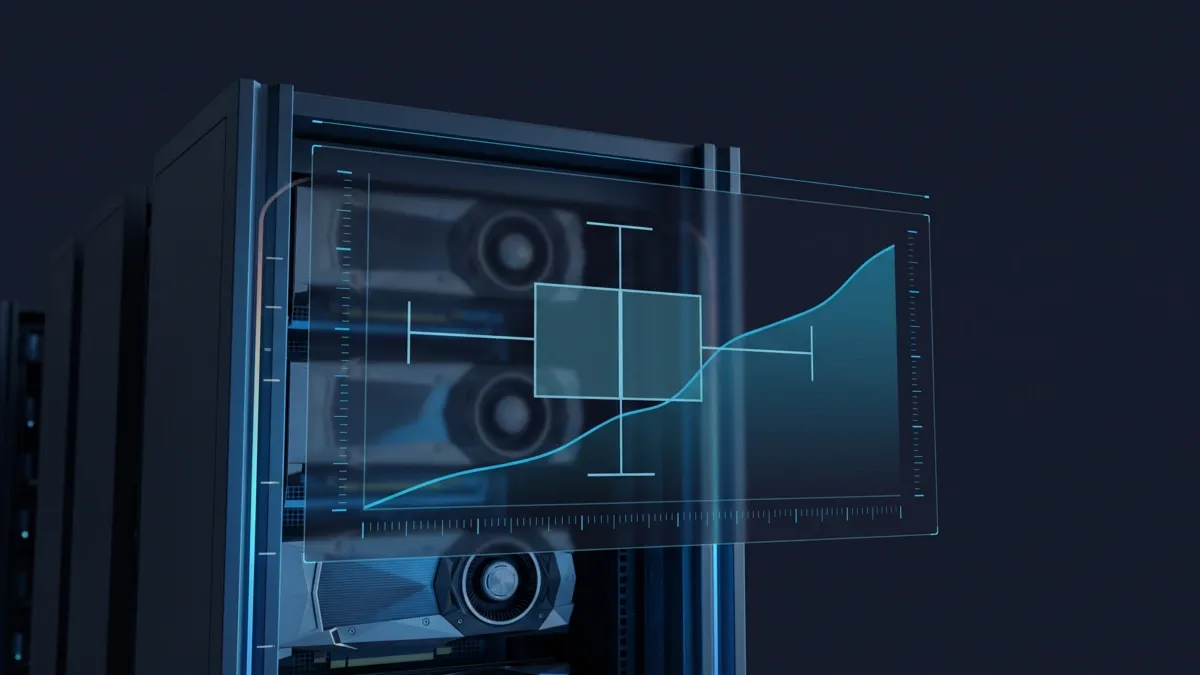
Across those 38 scenes, median per-frame time on a single RTX 5090 dropped about 69% compared to our previous-generation RTX 3080-class nodes, a median 3.2x speedup. The spread matters as much as the midpoint: the interquartile range runs 2.7x to 3.4x, the full range across all 38 scenes is 1.6x to 5.1x, and a bootstrap 95% confidence interval on the median lands at 3.0x to 3.3x (20,000 resamples).
The speedup is not evenly distributed across scene types. Plotting per-scene speedup against how long frames took on the old hardware shows a loose positive trend, a Spearman rank correlation of about 0.34 (two-sided p is approximately 0.04): modest and directional, not predictive. Short frames, a few seconds each, gained the least, since fixed per-task overhead (scene load, sync, the previous virtualization layer) eats a larger share of a short clock. Heavier frames tended to gain more, though with real scatter: one heavy scene held at only 1.6x because its bottleneck was plausibly storage or a CPU-bound stage, not the GPU.
Three honesty notes worth repeating here. First, this is observational data pulled from a live queue, not a frozen benchmark scene; users sometimes changed settings between re-renders. Second, the comparison is node-versus-node, and the previous-generation side runs virtualized while the RTX 5090 side is bare metal, so part of the gap is architecture, not only silicon. Third, the baseline is the RTX 3080-class hardware these jobs actually ran on, not a current-generation card; we are not making any claim about how the RTX 5090 compares to other current cards.
Completion rate and driver stability
Across the 51-day window (just over seven weeks), the node completed 99.6% of its tasks, nearly 4,900 of them. The other 18 failed; the scheduler logs a failure, not a cause, so we are not guessing at one.
One driver, version 581.80 on CUDA 13.0, ran the entire window from April 1 through May 22 with zero rollbacks and zero mid-window swaps. Our previous-generation nodes ran driver 565.90 over the same stretch. For hardware this new, a boring driver log is exactly what we hope to see.
AI denoising was already the default
About 83% of Cycles jobs on the RTX 5090 node ran an AI denoising pass (OptiX or Intel Open Image Denoise) as standard, and the rate on our previous-generation nodes is essentially identical. Every render-time denoiser Cycles has shipped since Blender 3.0 is AI-based, and our production jobs span Blender 3.6 through 5.1. The hardware generation did not change denoising behavior; AI denoising was already routine before the RTX 5090 arrived. What the new card changes is path-tracing throughput, the work around that already-standard step. This figure is scoped to Cycles only; other render engines log denoising differently or not at all.
RTX 5090 VRAM in the wild
Cycles writes its peak device-memory figure into the render log, a useful if approximate proxy for production VRAM demand. Across the 57 Cycles jobs where that line was recorded on the RTX 5090 node in the window, peak render-device memory was about 5.6 GB at the median and 11.5 GB at the 90th percentile. Our previous-generation cards are 10 to 12 GB parts, so the median job would have fit comfortably; the 90th-percentile job was already close to their ceiling.
The tail runs further still: the heaviest logged job used roughly 37.6 GB, more than the RTX 5090's own 32 GB of onboard memory. On a GPU render, a scene that size does not simply fit: the renderer either spills the excess into host system memory across PCIe, at a heavy speed cost, or does not render at all. Either way it is a real ceiling worth planning around. We size VRAM for the tail, not the median, because the gap between a 12 GB card and a 32 GB card is the gap between rendering and not, on the day a scene needs it.
RTX 5090 power draw and per-frame energy
An RTX 5090 is rated in the 575-watt class, but under sustained render load we measured roughly 360 to 375 watts per card, peaking near 400 watts, at 68 to 83 degrees Celsius. That is real power and real heat, but a bounded and predictable line item rather than the rated peak.
At that bounded draw, a median Cycles frame here finishes in about 24 seconds, on the order of 2.5 watt-hours per delivered frame. We only metered the RTX 5090 side, so treat the per-frame energy figure as a sound inference from measured power and measured render time, not a directly measured cost comparison against the previous generation.
What these numbers do not say
These are single-node, Cycles-only, observational production numbers. They describe the Super Renders Farm production queue over a defined seven-week window and should not be generalized to other render engines, other hardware generations, or farms with a different job mix. We have not published a controlled current-generation GPU comparison; that is a separate, controlled exercise for another time. Full methodology, including the bootstrap and correlation calculations, is documented in our CGW field report referenced above.
FAQ
Q: What was the median speedup from RTX 5090 versus the previous-generation nodes? A: A median 3.2x on Blender Cycles GPU rendering, based on 38 paired production scenes drawn from 1,419 render tasks, with a bootstrap 95% confidence interval of 3.0x to 3.3x on the median.
Q: Is the 3.2x number a lab benchmark or production data? A: It is production data pulled from a live Super Renders Farm render queue over April and May 2026, not a staged or synthetic benchmark scene.
Q: How much VRAM do production Cycles scenes actually use on an RTX 5090 node? A: Across the 57 Cycles jobs where that line was recorded, the median was about 5.6 GB, the 90th percentile was about 11.5 GB, and the heaviest single job logged roughly 37.6 GB, which exceeds the card's 32 GB. A scene that size either spills the excess into host system memory over PCIe, at a heavy speed cost, or does not render at all.
Q: Was AI denoising something the RTX 5090 introduced? A: No. About 83% of Cycles jobs used AI denoising on both the RTX 5090 node and our previous-generation nodes; the rate was already standard before the new hardware arrived.
Q: How stable was the GPU driver during the test window? A: One driver version, 581.80 on CUDA 13.0, ran the entire 51-day window with zero rollbacks or mid-window swaps.
Q: Does this data include a comparison against other current-generation GPUs? A: No. The baseline in this data set is our previous-generation RTX 3080-class hardware. A controlled comparison against other current-generation cards was not part of this study.
Q: Where can I read the full field report with the underlying methodology? A: Our field report ran in Computer Graphics World's SIGGRAPH 2026 issue. Read it in the CGW April/May/June 2026 digital edition. A video walkthrough of the same deployment is also available.
Related reading
RTX 5090 GPU cloud rendering performance covers broader RTX 5090 performance characteristics on our farm. For scenes that push past onboard VRAM, see RTX 5090 VRAM limits on complex scenes. For the underlying hardware option, see GPU cloud rendering.
About Richard Ta
Richard Ta is co-founder and technical lead of Super Renders Farm (superrendersfarm.com), a fully managed cloud render farm that supports Maya, 3ds Max, Cinema 4D, Blender, and Houdini across the major render engines. He has spent over a decade building and running large-scale CPU and GPU render infrastructure for studios in more than 50 countries.



