
Latest Articles
Error: Legacy Render Layers in Maya
Fix the legacy render layers error in Maya — adjust Outliner display settings for render layer visibility.
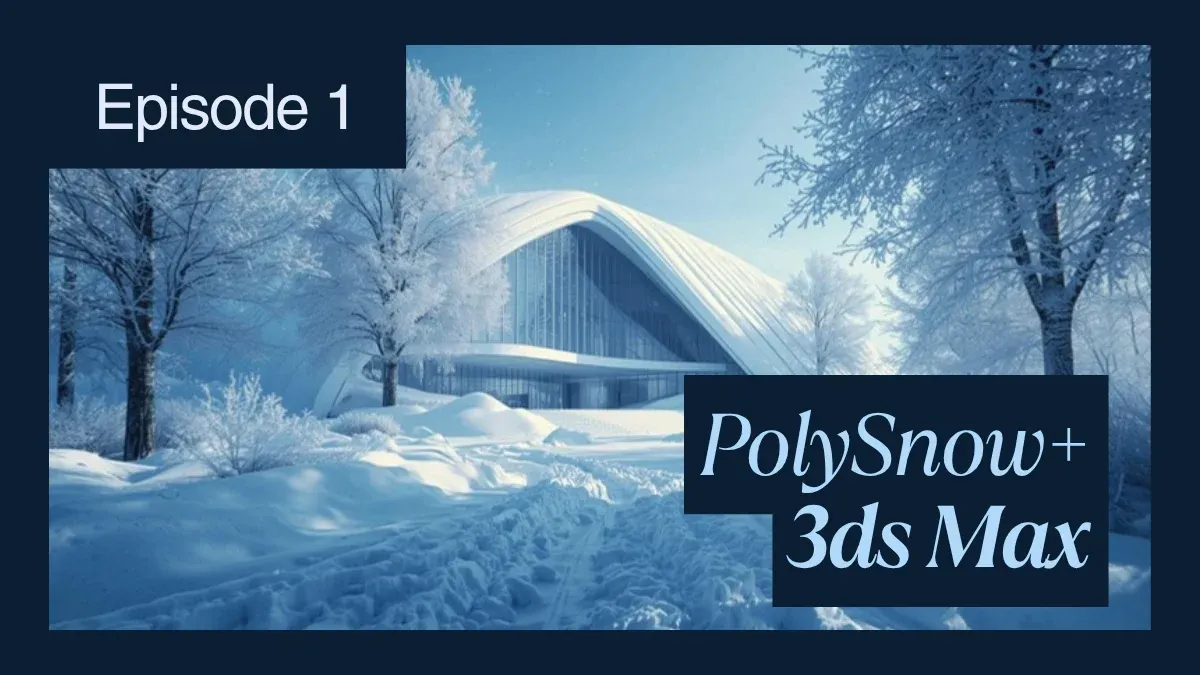
PolySnow Plus plugin for 3ds Max
Create realistic snow in 3ds Max with PolySnow+ — V-Ray materials, Corona setups, and farm optimization.
Error: “3dsmax adapter error – The pipe has been ended – 109 3dsmax adapter error – 3dsmax.exe process no response.”
The pipe ended 109 error in Backburner means 3ds Max crashed silently on the render node. Here's how to trace and fix it.

“Scene File Save Warning: Unable to create temporary scene file” when saving a file or an autobackup file in 3ds Max
Fix the 'Unable to create temporary scene file' error — disk space, permissions, and cloud sync conflicts.
Rendering Large Still Images with 'Tiled Camera' in C4D
Bypass Cinema 4D's resolution limits by splitting large frames into tiles — faster renders, parallel processing on farms.
Why am I getting a “Collisions Limit Exceeded” error when using Pyro in Cinema 4D?
Fix Cinema 4D Pyro Collisions Limit Exceeded — GPU vs CPU simulation and VRAM optimization.

“Error in reading RSe Stream” when opening Inventor files
Encountering the "Error in reading RSe stream" message when opening files? Learn the common causes and how to verify file version compatibility in Autodesk Inventor.

How to Adjust Pivot Axis to a Specific Edge Normal Direction in 3ds Max
Align pivot axis to edge normals in 3ds Max — Working Pivot, Affect Pivot Only, and MAXScript methods.

How to Uninstall and Reinstall Autodesk Material Library
Clean reinstall Autodesk Material Libraries to fix missing textures and rendering disabled errors.

Error: “File Save Error: Can’t begin chunk inside Data chunk”
Fix the 'Can't begin chunk inside Data chunk' save error — cloud storage conflicts and file corruption recovery.
How to Fix "Error Loading LUT File" in Corona Renderer for 3ds Max
Fix Corona LUT loading error — misconfigured tone mapping, missing files, and render farm compatibility.
![Error: “unable to load Optix library, NVIDIA driver [number] is either too old or missing the Optix library”](/_next/image?url=https%3A%2F%2Fres.cloudinary.com%2Fdl8ovyusd%2Fimage%2Fupload%2Fv1773975797%2Fstrapi-uploads%2Ferror_unable_to_load_optix_library_maya_arnold_cover_f24228511c.webp&w=1920&q=75)
Error: “unable to load Optix library, NVIDIA driver [number] is either too old or missing the Optix library”
Fix the OptiX library load error in Maya Arnold — NVIDIA driver updates, GPU compatibility, and denoiser setup.