
Tag: Performance
Showing all articles tagged with "Performance"

3ds Max'te İç Mekan Tasarımcıları için Cloud Rendering
Bir müşteri incelemesinden önce gürültü tabanını temizleyemeyen bir render. İşte cloud rendering'in 3ds Max'te solo bir iç mekan tasarımcısına veya küçük bir stüdyoya ne zaman gerçekten yardımcı olduğu ve ne zaman olmadığı.

Prodüksiyonda RTX 5090: CGW SIGGRAPH Saha Raporumuzun Arkasındaki Rakamlar
CGW SIGGRAPH saha raporumuzdaki RTX 5090 prodüksiyon render'ı hakkında alıntılanabilir rakamlar: hızlanma, VRAM, denoising oranı ve sürücü kararlılığı, metodolojisiyle birlikte.
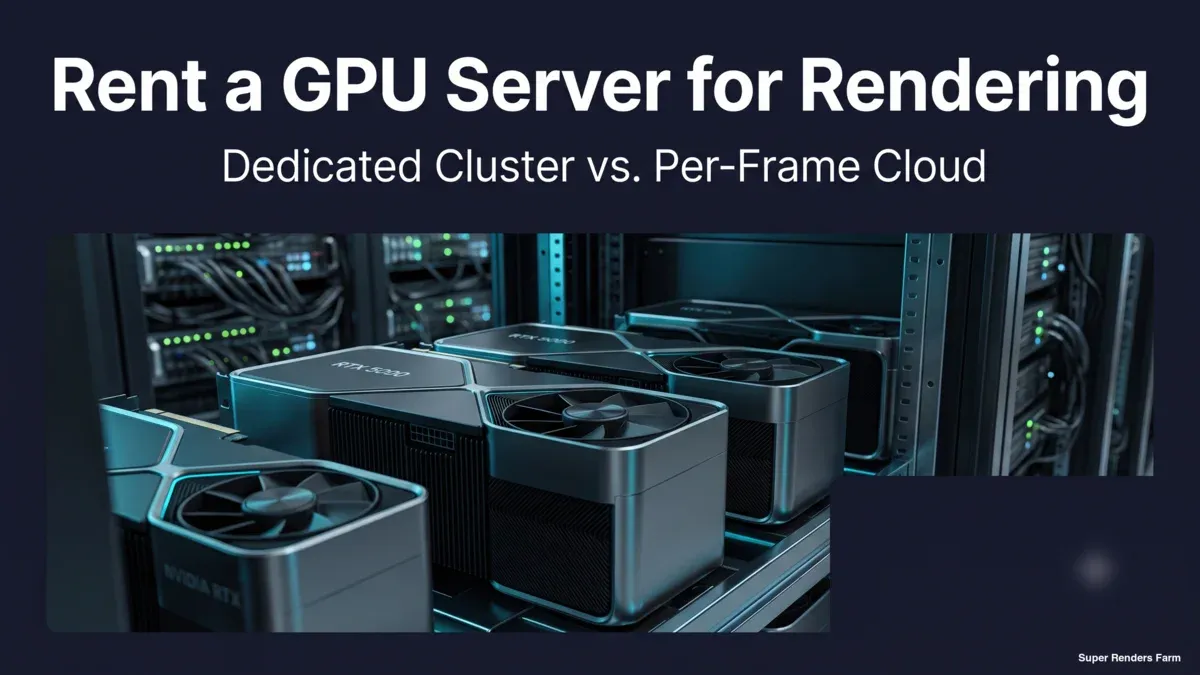
Render İçin GPU Sunucu Kiralama: Özel Node ile Kare Başına Bulut Karşılaştırması
Özel GPU sunucu kiralama ile kare başına bulut rendering karşılaştırması: hangi donanımı alırsınız, faturalandırma modelleri nasıl farklılaşır ve nasıl karar verirsiniz.
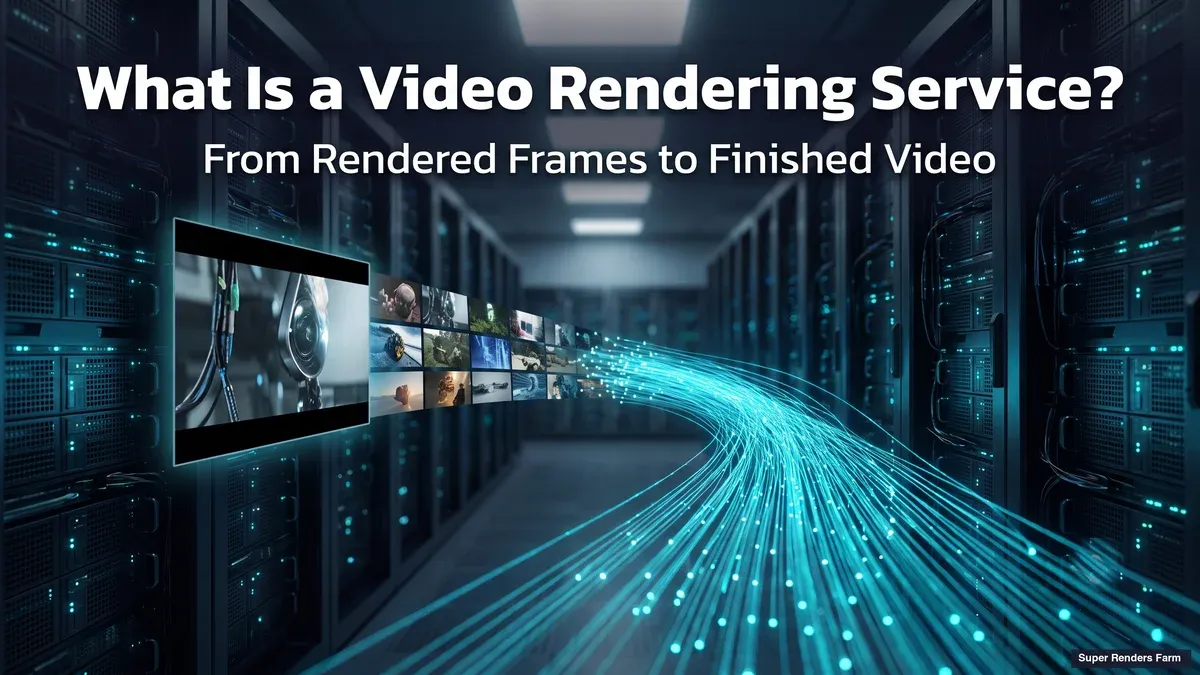
Video Rendering Servisi Nedir? Bulut Video Rendering Nasıl Çalışır
Bir video rendering servisinin gerçekte ne yaptığı: kare-paralel rendering, encode ve standart GHz-saat oranlarıyla işlenmiş bir maliyet örneği.
Render Farm GPU'larını Nasıl Benchmark Yapıyoruz: Tekrarlanabilir Kare Başına Maliyet Yöntemi (2026)
Render farm GPU sonuçlarımızın arkasındaki tekrarlanabilir kare başına maliyet yöntemi: sahneyi nasıl seçtiğimiz, ayarları nasıl sabitlediğimiz ve dürüst bir sonucu nasıl raporladığımız.
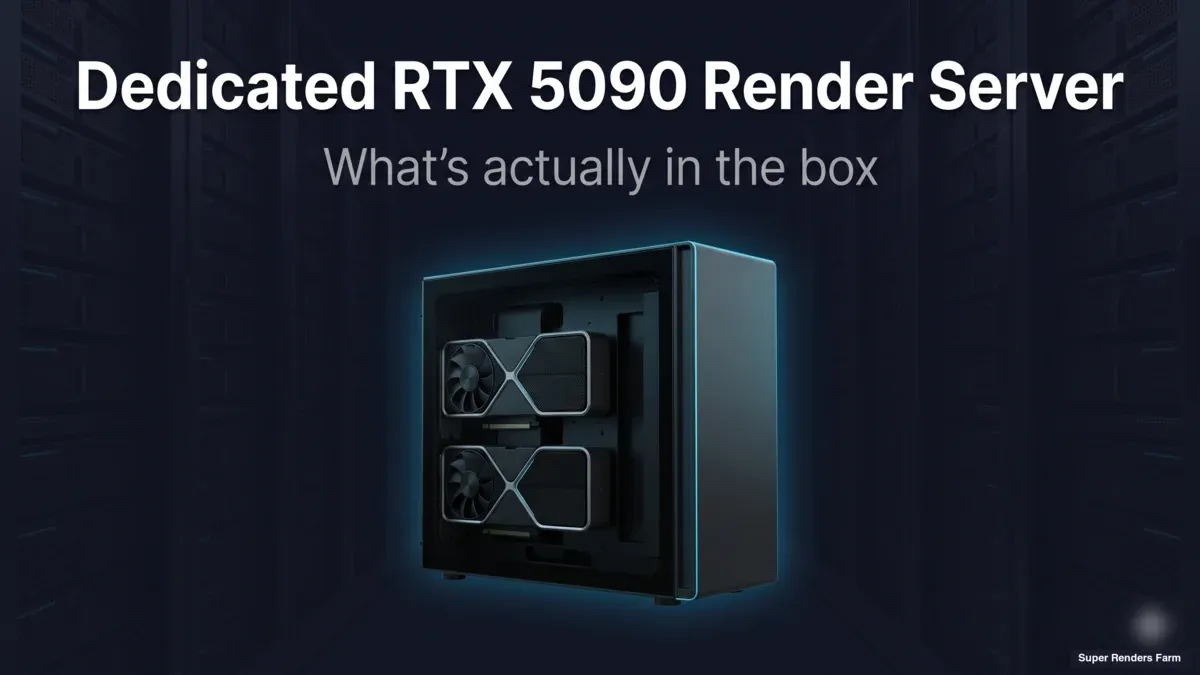
Özel RTX 5090 Render Sunucusuna Neler Dahil?
Özel bir RTX 5090 node kiralamak yalnızca ham işlem gücü demek değildir. Kutunun içinde gerçekte neler var: donanım, bağlı depolama, lisans hakları, kurulum ve destek.
RTX 5090 Üretimde: 7 Haftalık Render Farm Saha Notları (38 Sahne Çalışması)
RTX 5090 canlı render kuyruğunda ne yapar: 38 Blender Cycles sahnesi, medyan 3.2x hız artışı ve bu medyanın arkasındaki dağılım.
Çoklu GPU Ölçeklendirmesi: 1 ile 2 GPU Render Hızınızı Gerçekte Ne Kadar Etkiler? (2026 Benchmark)
Çift RTX 5090'lı bir makinede Cycles, Redshift, V-Ray ve Octane için 1x ile 2x GPU ölçeklendirmesini ölçtük ve ikinci bir kartın render hızını neden nadiren ikiye katladığını açıklıyoruz.
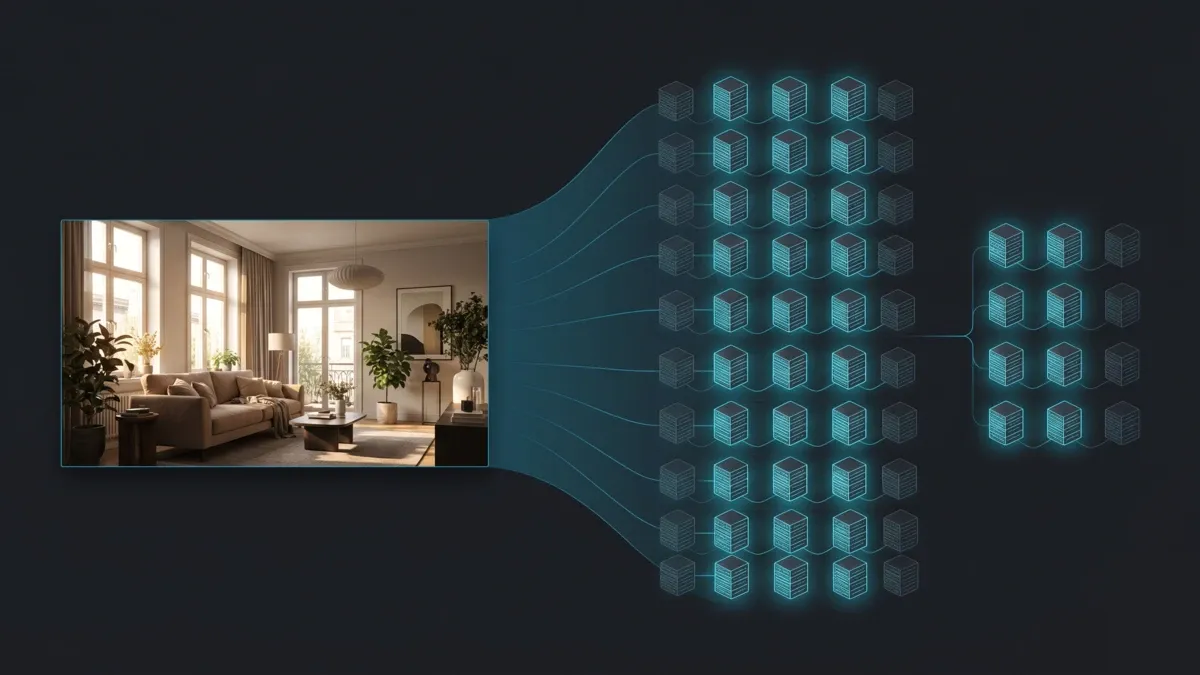
V-Ray 6 ile Cloud Render Farm: 2026 için Pratik Bir Rehber
V-Ray 6'nın render süresi özellikleri — Enmesh, Chaos Scatter, V-Ray GPU — bir sahnenin render farm'da nasıl davrandığını değiştirir. Cloud için nasıl kurulacağı aşağıda açıklanmaktadır.
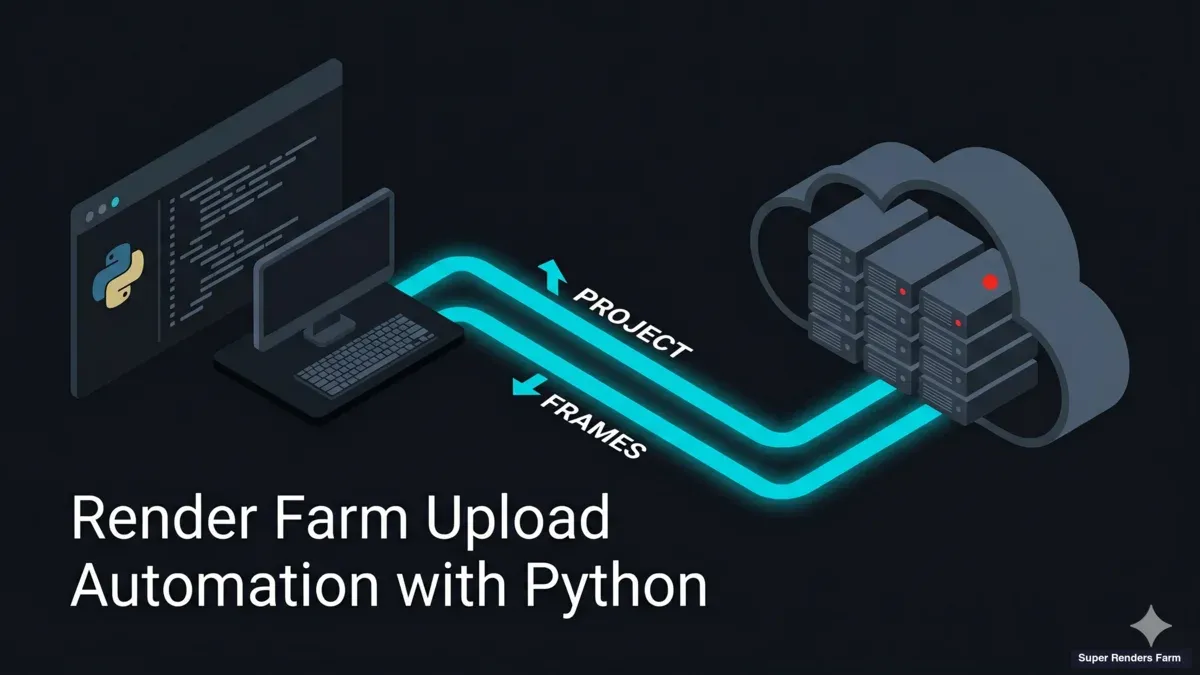
Python ile Render Farm Otomasyonu: Bugün Neler Script'lenebilir
Python'un bugün Super Renders Farm çevresinde otomatikleştirdikleri: sahne kontrolleri, manifestler, AWS CLI ile S3 transferleri, kare doğrulama. Gönderim elle kalır.